
Paper Ink Blog
7 Practical Ways to Use Die-Cut Stickers to Elevate Your Brand

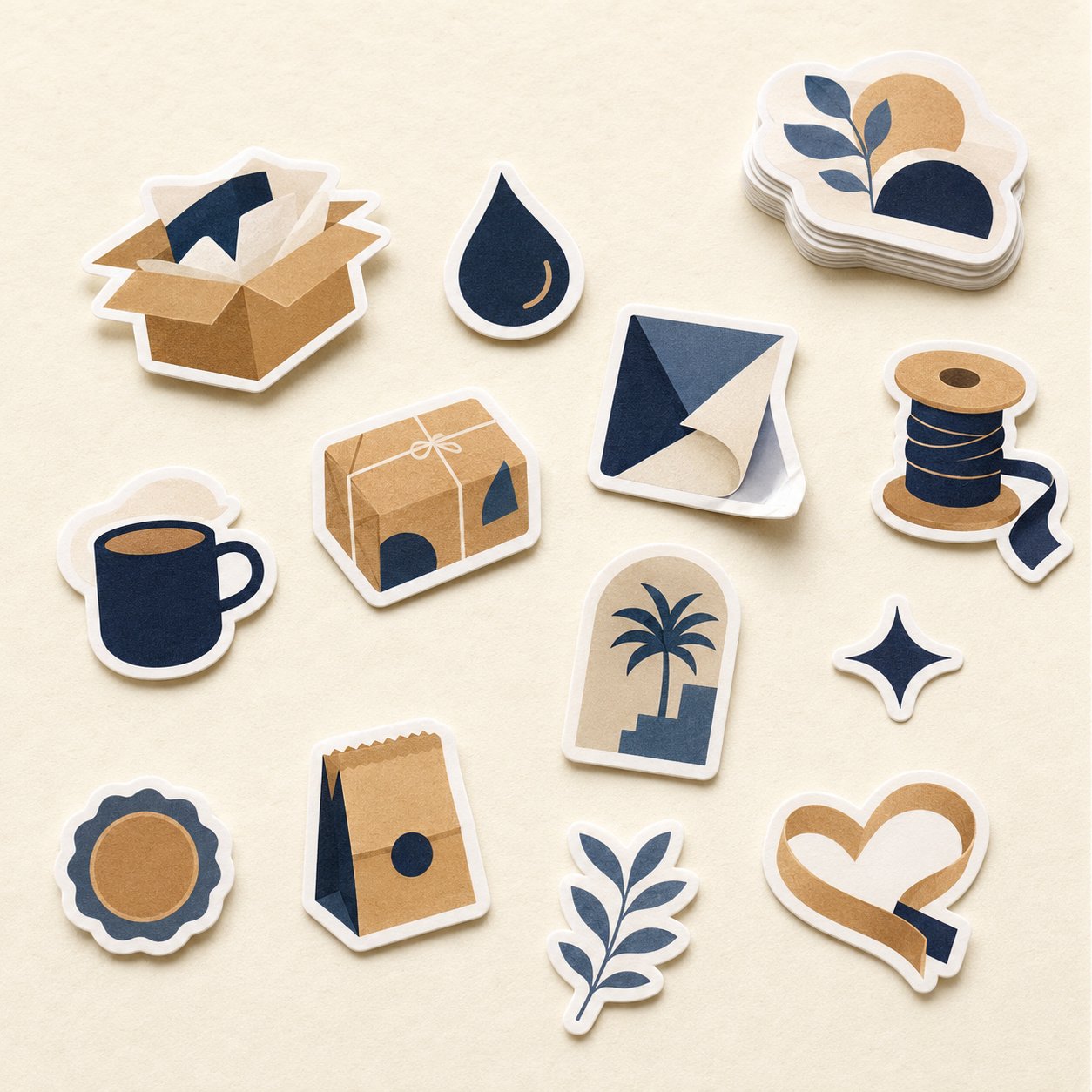
Die cut stickers are trimmed along the outline of your artwork instead of sitting inside a square or circle, so your logo or mascot becomes an object of its own. They work best for brand characters, product-shaped seals, laptop and bottle stickers, corporate gifts, events, seasonal campaigns and limited drops. Here is why the shape matters in each case.
Key takeaways:
- A contour cut turns the design itself into the sticker, with no empty background competing for attention.
- It earns its keep when the shape carries meaning: a character, a product, a seasonal symbol, or a keepsake.
- Each use calls for a different cut style and size; the table below sums them up.
- Text-heavy information labels still read better as rectangles or circles.
What are die cut stickers, and why do they stand out?
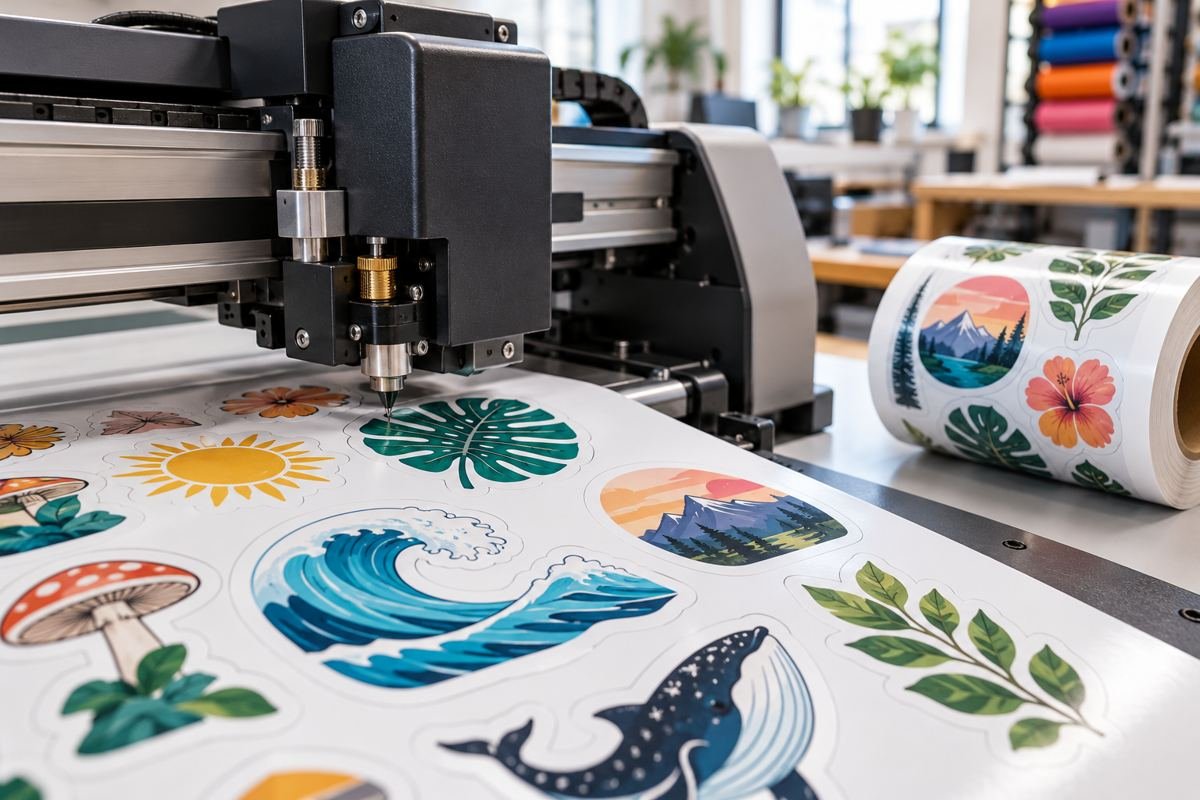
A standard sticker places your art inside a fixed shape, leaving a border of space that says nothing. A die-cut sticker follows the edge of the artwork, usually with a thin white outline around it. The result feels made rather than printed, and that perceived craft is exactly what lifts its value in a customer’s hands.
There is more than one way to cut to shape. With a full die cut, the sticker and its backing are cut together, so every piece comes out as a standalone item. With a kiss cut, only the sticker layer is cut and the backing stays larger, which makes peeling easy and suits sheets and giveaways. Which one you pick depends on how the sticker will be handed out, as you will see below.
7 ways to use die cut stickers for your brand
1. Turn your mascot into a collectible
If your brand has an illustrated character, a contour cut is the best way to get it off the screen and into people’s hands. Cut to its silhouette, the character looks like a little object; boxed in a square, it is just a picture. Print a few poses (waving, saying thanks, celebrating) and drop a different one into each order so customers start collecting.
Production tip: very thin parts such as tails or strands of hair can tear when peeled. Keep a continuous white outline around the whole artwork so the piece stays in one solid shape.
2. Shape the sticker like your product
A coffee cup for a café, a perfume bottle for a fragrance shop, a date for a date retailer. When the sticker takes the shape of what you sell, people get your business at a glance, before they read the name. Use it as a bag or box seal, or tuck it inside the order as a small extra. It is especially effective for online stores, where the parcel is the first physical touchpoint.
3. Laptop and water bottle stickers that travel
People put stickers they like on laptops, bottles and phone cases. Custom die cut stickers have the best odds of making it there because they read as art, not advertising. Design for the person who will carry it: a witty local phrase, an illustration tied to your audience’s culture, or an artistic take on your mark. If you are focused on where to place a logo specifically, see our logo sticker ideas.
Choose a durable plastic stock here, since the sticker will face handling, friction and water.
4. Corporate gifts and onboarding kits
Instead of one repeated logo sticker, design a small set of shapes that represent your company values, teams or flagship projects. Add them to new-hire welcome kits alongside the notebook and mug, or to year-end client gifts. A set of contour-cut shapes looks curated rather than generic. For ideas on putting the whole kit together, read our guide to corporate onboarding welcome kits.
5. Events, trade shows and booths
At a trade show, visitors collect flyers from dozens of booths and throw most of them away. A good sticker gets kept. Create a shape tied to the event itself, such as the season’s symbol or the conference theme drawn in your brand style. For fast hand-outs at the table, kiss-cut stickers work well because they stay neatly on their backing and are easy to grab.
6. National and seasonal moments
Ramadan, Eid, Founding Day and National Day are times when people engage with stickers more than usual. A lantern, a palm tree or a seasonal emblem in your brand colors makes your packaging feel timely without reprinting the box. Our die-cut range includes, for example, a Founding Day sticker cut to shape. One caution: the Saudi flag carries the Shahada, so avoid printing it on anything likely to be discarded or stuck on floors and bags.
7. Limited drops with holographic stickers
Launching a limited product or celebrating a milestone? Include a contour-cut sticker in a different material, such as holographic. The shimmer plus the custom shape signals something rare worth keeping, and it gives customers a reason to photograph and share it. Holographic die-cut stickers are available in our range.
Which cut style and size fits each use?
| Use | Suggested cut | Approx. size | Note |
|---|---|---|---|
| Brand mascot | Full die cut | Medium (2–2.75 in / 5–7 cm) | Continuous white outline around thin parts |
| Product-shaped seal | Full die cut | Small to medium (1.5–2.4 in / 4–6 cm) | Works as a seal or in-box extra |
| Laptops and bottles | Full die cut | Medium (2.4–3 in / 6–8 cm) | Plastic stock that handles water and wear |
| Corporate gifts | Full die cut or cut sheet | Mixed sizes | Keep one consistent style across shapes |
| Events and trade shows | Kiss cut | Small (1.5–2 in / 4–5 cm) | Faster to hand out, tidier on the table |
| Seasonal campaigns | Full die cut | Small to medium | Order before the peak-season rush |
| Limited drops | Full die cut, holographic | Medium | Small runs keep it feeling rare |
Sizes are a starting point; the final call depends on where the sticker goes and how detailed the art is. To compare circles, squares and contour cuts, see our sticker shape guide.
When a die-cut sticker is not the best choice
- Information labels: ingredients, production dates and instructions need a regular text area, and rectangles or circles read more clearly.
- Ultra-fine artwork: hairline strokes and many sharp points weaken during cutting and peeling, so simplify the outline or add a border.
- High-volume line application: for fast labeling on a packing line, regular shapes on rolls are more practical.
Getting your artwork ready, in brief
A clean file is half the result. Focus on three things: enough resolution or a vector file, a white outline around the edge, and a safe margin between text and the cut line. The full requirements are in our die-cut sticker file preparation guide. No print-ready file? Our design and file-prep service can handle it for you.
Top 10 Practical Recommendations for Ordering Die Cut Stickers
These tips help you order die cut stickers with fewer surprises. Follow them in order before you approve the file.
- Start with a simple shape. A clean outline cuts more neatly than artwork full of thin spikes.
- Test the real size. Print the design at final size on plain paper, then check that the details stay readable.
- Add a solid border. A border around the artwork protects thin parts and makes the cut easier.
- Pick the cut style. Decide between a full die cut and a kiss cut, then read our die-cut file preparation guide.
- Match the material to the use. Clear, matte and glossy finishes feel different, so compare them in the logo sticker materials guide.
- Confirm size and quantity. Never assume every size is available; check the sticker size guide first.
- Use a vector file. A vector logo keeps its edges sharp at any scale.
- Draw the cut path carefully. This CreativePro tutorial explains three ways to build a die line in Illustrator.
- Ask for the free digital proof. Check the shape and colors on the proof before printing starts.
- Send the full specification. Use the request-a-quote page or WhatsApp to confirm size, quantity and delivery.
What’s New as of October 2026
Adobe announced Illustrator 30.4 on 11 May 2026. The update adds Generative Expand, one-click background removal and editable text in generated vector graphics.
However, the announcement does not mention any new tool for cut lines or image tracing. Therefore we found no confirmed update that changes how you prepare a cut path for die cut stickers.
Read the official Adobe announcement for Illustrator 30.4 if you use the app. Then test any new tool on a sample design before you build your order file.
FAQ
How are die cut stickers different from regular stickers?
Regular stickers are cut to a fixed geometric shape such as a square or circle, regardless of the artwork. Die cut stickers are cut along the outline of the design itself, usually with a thin white border. That makes each one look like a standalone piece and lets your logo or character stand out without empty background around it.
What is the difference between die cut and kiss cut?
A full die cut slices through both the sticker and its backing, so each sticker ships as an individual piece ready to hand out. A kiss cut slices only the sticker layer and leaves a larger backing or a sheet, which makes peeling easier and suits event giveaways and sheets that combine several designs.
Can die cut stickers handle water?
That depends on the material, not the cut. Water- and tear-resistant plastic stocks suit bottles, laptops and chilled products far better than paper. Tell us where the sticker will be used when you order, and check the free digital proof before production to confirm the size and design.
What size should a die-cut sticker be?
For seals and in-box extras, small sizes around 1.5 to 2.4 inches (4 to 6 cm) usually work. For laptops and bottles, a medium size around 2.4 to 3 inches (6 to 8 cm) is common. Measure the real placement area first and make sure the smallest details stay legible once scaled down.
I don’t have a print-ready file. Can I still order?
Yes. Paper-Ink offers a design and file-prep service, then sends you a free digital proof to check the shape and cut line before printing. Once approved, your order ships anywhere in Saudi Arabia or the GCC, with free shipping on orders of SAR 250 or more.
Do I need a vector file to order die cut stickers?
A vector file is best for sharp edges and an accurate cut path. A high-resolution image can also be reviewed before approval.
Can I see the shape before printing?
Yes. We send a free digital proof before printing so you can approve the shape and colors.
How long does delivery take?
Most orders take 3 to 5 working days. Shipping then takes 24 to 72 hours, and orders of 250 SAR and above ship free.
Start your die-cut sticker project
Pick the use that matches your goal, then browse our custom die cut stickers, from individual cuts and kiss cuts to holographic options. Upload your artwork or request our design service, and review your free digital proof before you approve the print run.
Related reading: How to Make Die Cut Stickers: Creating the Cut Line in Illustrator, Canva and Procreate
Ready to print your design?
Choose your sticker type and set your specifications. We send a free digital proof before printing, and there is no minimum order.
Browse sticker typesOrder custom die-cut stickersBrowse die-cut stickers