
Paper Ink Blog
How to Reduce Printing Ink Costs Without Sacrificing Quality

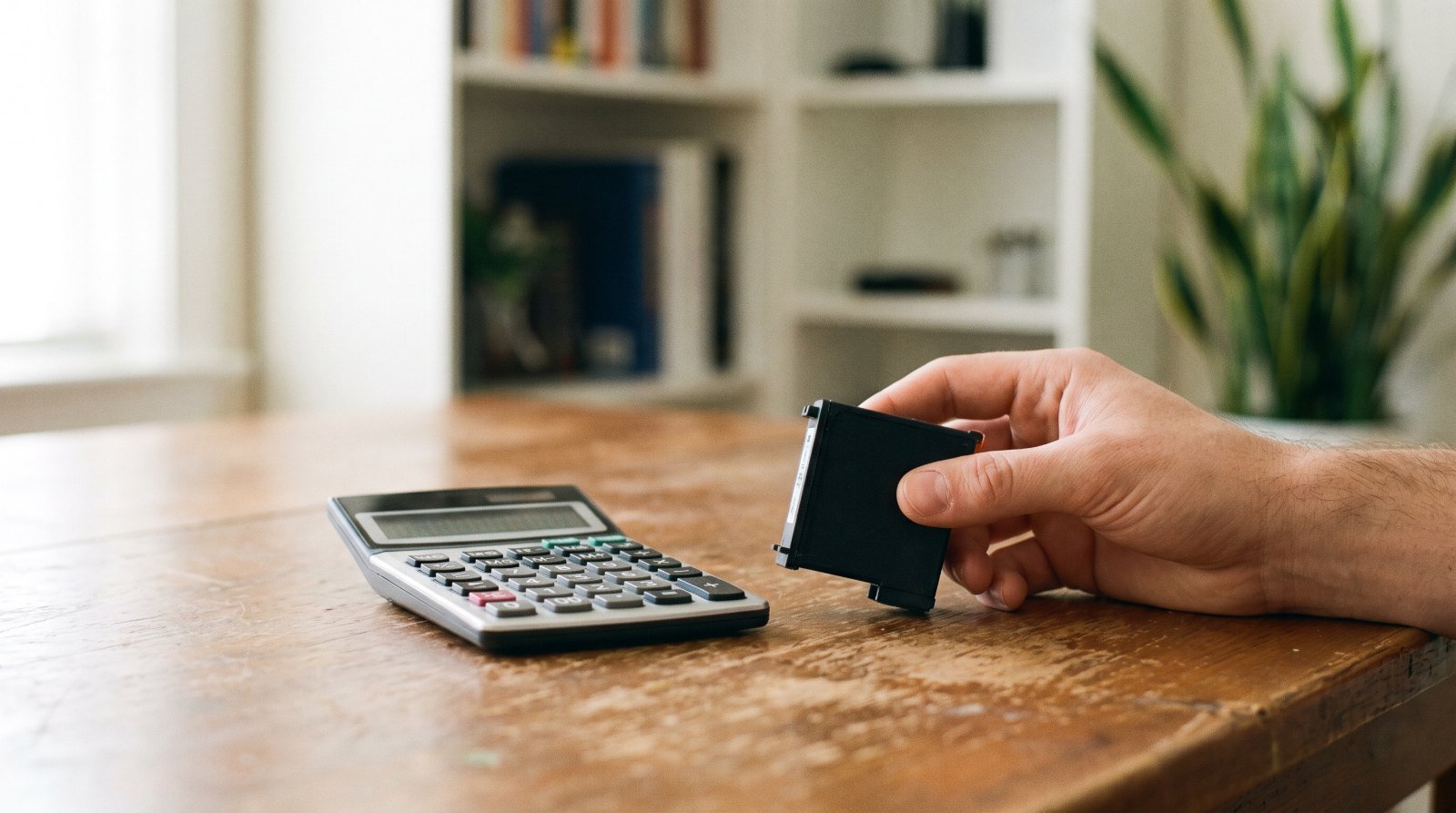
The fastest way to reduce printing ink cost is to split your printing into two buckets: internal documents, which can run in draft mode and grayscale, and customer-facing pieces, which should be designed to use less ink from the start. Once volumes repeat every month, outsourcing to a print shop often becomes the cheaper option.
Quick take
- Printer settings — draft quality, grayscale, print preview — save ink on internal paperwork immediately.
- Ink-saving design (white space, fewer colors, no full-bleed solid backgrounds) cuts coverage on branded prints.
- Never use toner or ink save mode on photos or anything a customer will hold.
- If you print the same items every month, compare your true cost per piece with a print shop quote before buying more cartridges.
Why ink eats so much of your print budget
Ink is a quiet expense. It never shows up as one big bill — just another cartridge every few weeks until it becomes a fixed line item. And your real cost per page isn’t only ink. It also includes paper, staff time and every sheet you throw away because of a file error or a wrong printer setting.
If you want to understand why ink prices vary so much in the first place — ink chemistry, substrate and coverage — we cover that in what determines printing ink price. This guide focuses on using less of it.
Office and home habits that reduce printing ink cost
None of these require buying anything new. They work best for internal documents, invoices and drafts:
- Make draft mode your default for internal docs. “Draft” or “Economy” quality lays down less ink while keeping text readable for review and filing.
- Print in grayscale. A colored logo in the header or blue hyperlinks drain your color cartridges for no reason. Set grayscale as the default in your print dialog.
- Use print preview every time. A last page with a single line, or a table spilling past the margins, wastes both paper and ink. Ten seconds of preview prevents a reprint.
- Pick a lighter font. Heavy, bold typefaces cover more of the page. For long documents, choose a clean, medium-weight font at a sensible size.
- Batch your print jobs. On many inkjet printers, automatic cleaning cycles use up ink, and frequent power cycling can trigger more of them. One batch beats a page every hour.
- Don’t swap cartridges at the first warning. Low-ink alerts are usually estimates. Keep printing until you see actual fading, especially on internal documents.
- Compare high-yield cartridges. XL or high-yield cartridges cost more upfront but print more pages, so the cost per page is often lower for busy offices. Compare the manufacturer’s rated page yield, not just the shelf price.
- Review on screen, print once. Drafts and design rounds belong on a screen. Print only the final version.
When not to use ink save mode
Toner save and ink save modes make prints lighter. Brother’s support documentation notes that the setting makes documents appear lighter and doesn’t recommend it for printing photos or grayscale images. Rule of thumb: use it for drafts only, and switch it off for anything carrying your logo or going to a customer.
Ink-saving design for branded prints
On pieces that represent your brand — thank-you cards, product labels, instruction inserts, wrapping paper — washed-out printing isn’t an option. Here, savings come from design decisions, not printer settings:
- Use white space. A busy layout on a solid background floods the whole sheet with ink. A white or light background with focused elements looks cleaner and uses less.
- Limit your palette. One or two brand colors plus black is usually enough, and it makes color consistency easier across reorders.
- Let the stock do the work. Kraft or colored paper gives you a background for free, so you only print the logo and copy. Keep in mind that light colors lose punch on darker stock.
- Avoid large areas of rich black. Big black panels soak up ink, dry slower and smudge more easily. Turn them into a border or a smaller accent.
- Standardize templates. One thank-you card or seal sticker design instead of a new version for every occasion lets you batch orders and print them in one run.
Ink-saving options compared
| Option | Effect on ink use | Effect on quality | Best for |
|---|---|---|---|
| Draft mode | Clearly lower | Lighter text | Internal documents |
| Grayscale | Stops color ink use | No color | Invoices, reports |
| Ink/toner save | Lower | Faded; poor for photos | Drafts only |
| High-yield cartridges | Same use, lower cost per page | Unchanged | High-volume offices |
| White space, fewer colors | Lower coverage | Brand stays strong if designed well | Branded prints |
| Outsourcing to a print shop | Ink cost moves into the order price | More consistent; wider material choice | Repeat volumes, specialty materials |
When does outsourcing beat printing in-house?
An office printer is great for documents. It isn’t always the cheapest way to produce branded or product prints. Ask yourself:
- Does the same job repeat every month? The more it repeats, the more you spend on cartridges, label stock and time.
- Do you need a material your printer handles poorly, like waterproof vinyl stickers or die-cut shapes?
- How many sheets do you lose to misalignment, clogged heads or color drift between batches?
- How many staff hours go into printing and cutting instead of real work?
Put it into one simple formula: (ink + paper + waste + labor) ÷ usable pieces = your cost per piece. Then compare it with a print shop quote for the same quantity. For sticker-specific math, see our guide to custom packaging costs in Saudi Arabia, and for small batches read short-run packaging printing.
If you print your own product labels or packaging stickers today, compare that against custom sticker printing from Paper-Ink, or check our quantity-based print pricing to reduce printing costs.
“Savings” that end up costing more
- Buying the cheapest paper: Low-grade paper soaks up ink and dulls colors, so you end up reprinting at higher quality.
- Refilling with unknown ink: It can clog heads or shift colors. If you try compatible cartridges, buy from a reputable source and test a small quantity first.
- Printing finals in draft mode: A faded thank-you card sends the opposite message from the one you intended.
- Endless paper proofs: Review designs on screen until they’re final, then print a single test copy.
Top 10 Practical Recommendations to Reduce Printing Ink Cost
These steps help you reduce printing ink cost, from the easiest habits to the deeper changes. Start with the first one today.
- Split internal from customer-facing prints. The first needs little quality, while the second deserves it.
- Turn on draft mode for reviews. Do not print every revision at top quality.
- Print internal copies in grayscale. This keeps colour ink for pieces customers see.
- Cut large filled areas. A full-page background uses far more ink than lines and white space.
- Check the preview before sending. A stray page or wrong margin wastes ink for nothing.
- Compare cost per page, not cartridge price. Then decide whether higher capacity pays off for your volume.
- Run cleaning cycles only when needed. Repeated cleaning consumes part of the ink.
- Trial alternative ink on a small batch. Compare colour and durability before you switch.
- Outsource repeat volumes. Read the sticker printing cost guide to find your tipping point.
- Ask for a quote on finished prints. Send a quote request or browse printed stickers.
What’s New as of October 2026
On 21 August 2026, The Recycler reported that factory prices for some neutral compatible ink cartridges made in China rose between 8% and 15%. It pointed to higher raw-material costs and added production, testing and compliance requirements.
It added that the rise does not cover every manufacturer, and that final cost also depends on freight, exchange rates and local duties.
Separately, OpenBrand’s 2025 printer supplies review counted 27 major OEM ink and toner price moves in 2025 against 10 in 2024, mostly tariff-driven. It expects pricing to stabilise in 2026, with selective increases still possible.
These are global figures, not Saudi prices. Therefore, ways to reduce printing ink cost matter more than waiting for prices to fall.
Frequently Asked Questions About How to Reduce Printing Ink Cost
What’s the quickest way to reduce printing ink cost in an office?
Print drafts in save mode and grayscale. Keep full quality for what customers see.
Does ink save mode hurt print quality?
It lowers density slightly, which is fine for drafts. Avoid it for marketing prints.
Are high-yield cartridges really cheaper?
Often, when your print volume is high. Work out cost per page before buying.
How can I design prints that use less ink without looking cheap?
Use more white space, fewer filled areas and a clear typeface. Calm layouts look premium.
When should I stop printing in-house and use a print shop?
When volumes repeat or you need special durability. Then outsourcing becomes an economic decision.
Are ink prices rising in 2026?
International sources report increases for some types, but they do not describe the Saudi market. Ask for an updated quote.
Do you send a proof before printing?
Yes, a free digital proof, and we help with file preparation. Most orders take 3 to 5 working days, then 24 to 72 hours of shipping.
How can I contact you?
Message us on WhatsApp. We deliver within Saudi Arabia and the GCC, with free shipping from 250 SAR.
The bottom line
Cutting ink costs comes down to one rule: full quality for what customers see, minimum ink for what stays in the office. If you decide to hand your branded prints to a print shop, send your file to Paper-Ink and request a free digital proof before anything goes to press — or message us on WhatsApp, and our design team can prepare the file if you need help.
Related reading: Business Card Printing Cost: Compare the Complete Order