
Paper Ink Blog
Business Card Printing Cost: Compare the Complete Order

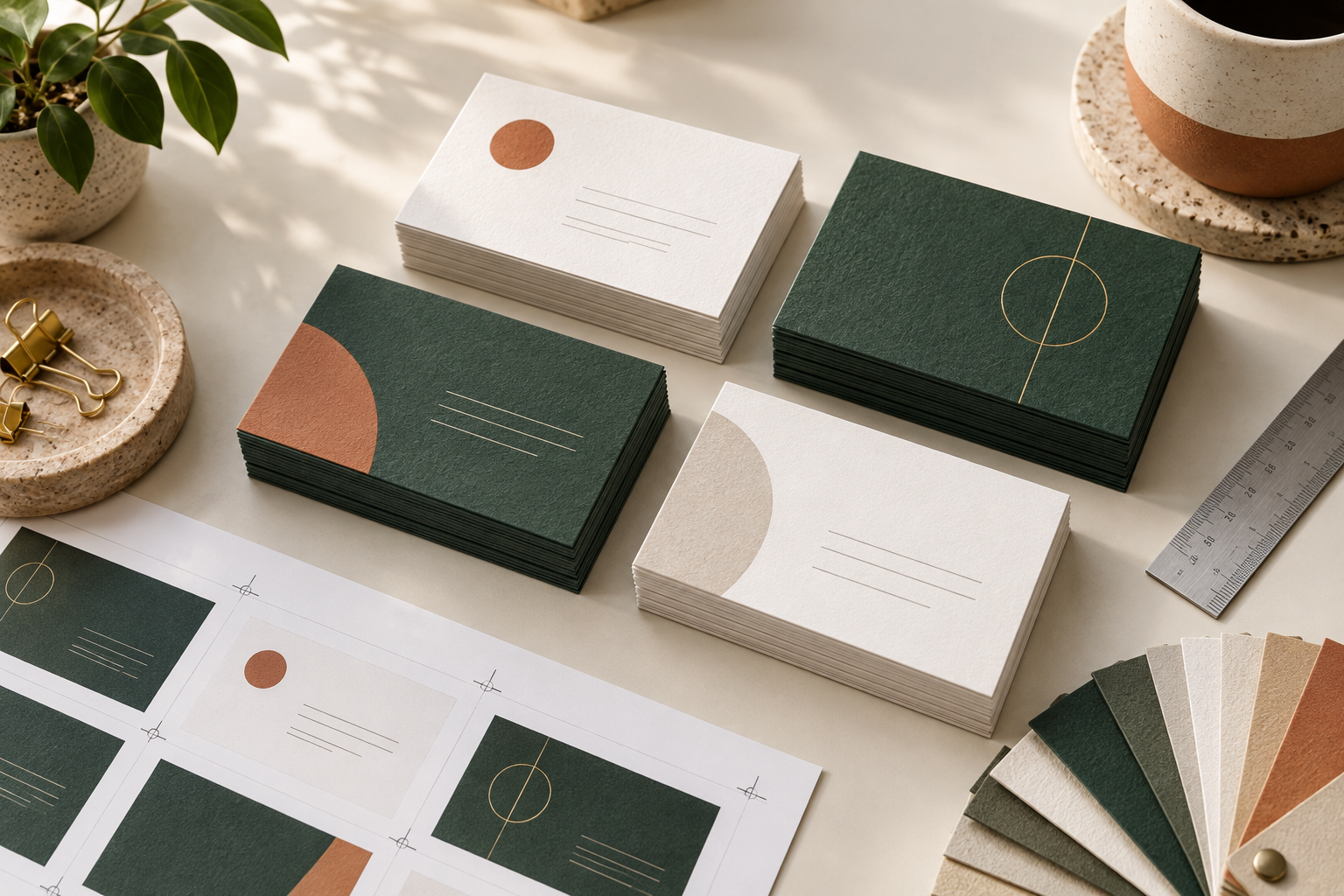
Compare the same card for business card printing cost
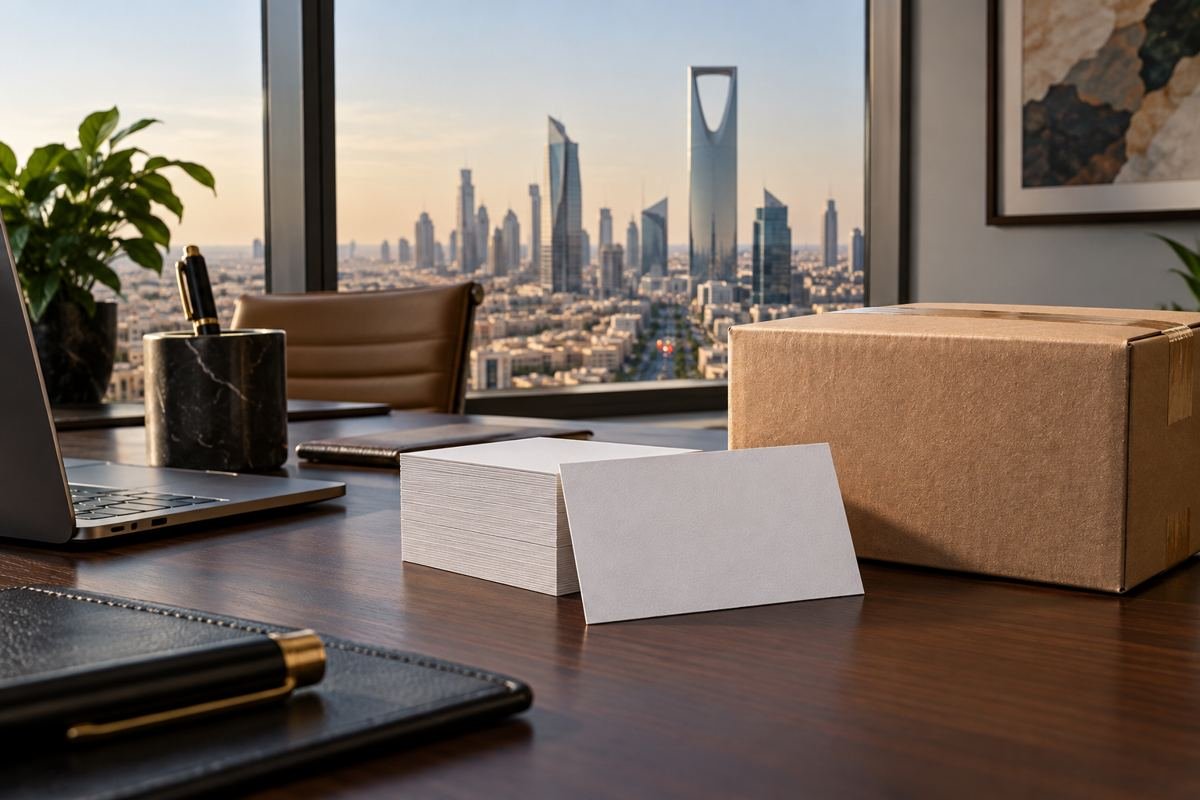
A useful business card printing cost comparison starts with a matching specification. Keep the size, quantity, print sides and finish the same when comparing two offers. Otherwise, the lower price may refer to a different order. A category price or an example photograph does not explain every option included in the final card.
Choose the amount of information first
List the name, role and contact channel your reader will use after a meeting. A concise layout may work on one side. A second language or a separate logo layout may justify printing both sides when the product offers that choice. Avoid adding details simply because there is space available.
Check the product rather than assuming a finish
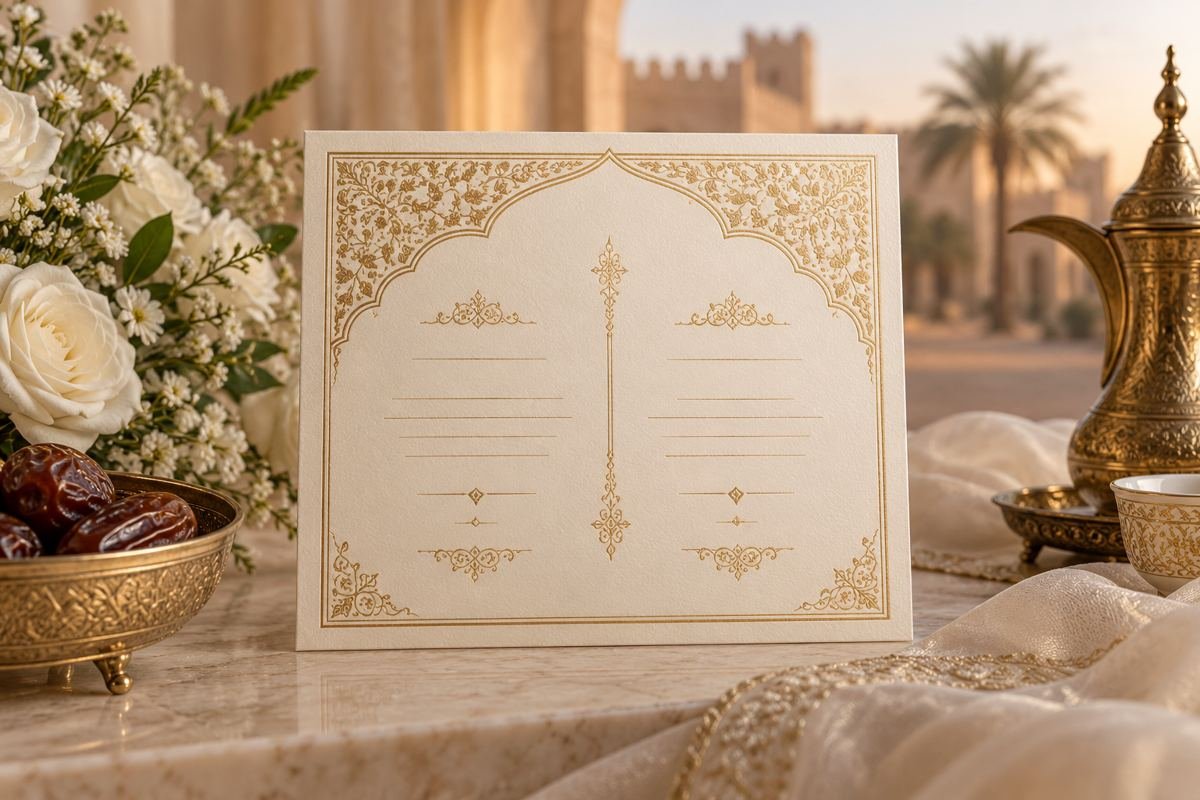
Review the selected product for its current size, material and finish. Decide whether the finish serves your design, then compare quotes with that specification held constant. A description or example image does not establish that every finish is included in every order.
Review the complete order
Review the quantity and available options, then check the complete order total and delivery to your address. Keep design work and any other stated charges visible in your comparison. Confirm a specification that is not selectable before assuming it is included.
Check the artwork before submitting it
Proofread phone numbers, names, email addresses and links. Print a test at the intended size to judge readability. If a QR code is part of the design, test its destination and keep a readable contact detail when useful. Store the approved file so a future reorder can use an identified version.
A quote comparison checklist
- Card specification: finished size, material, printed sides and finish.
- Quantity: total cards and the number allocated to each artwork version.
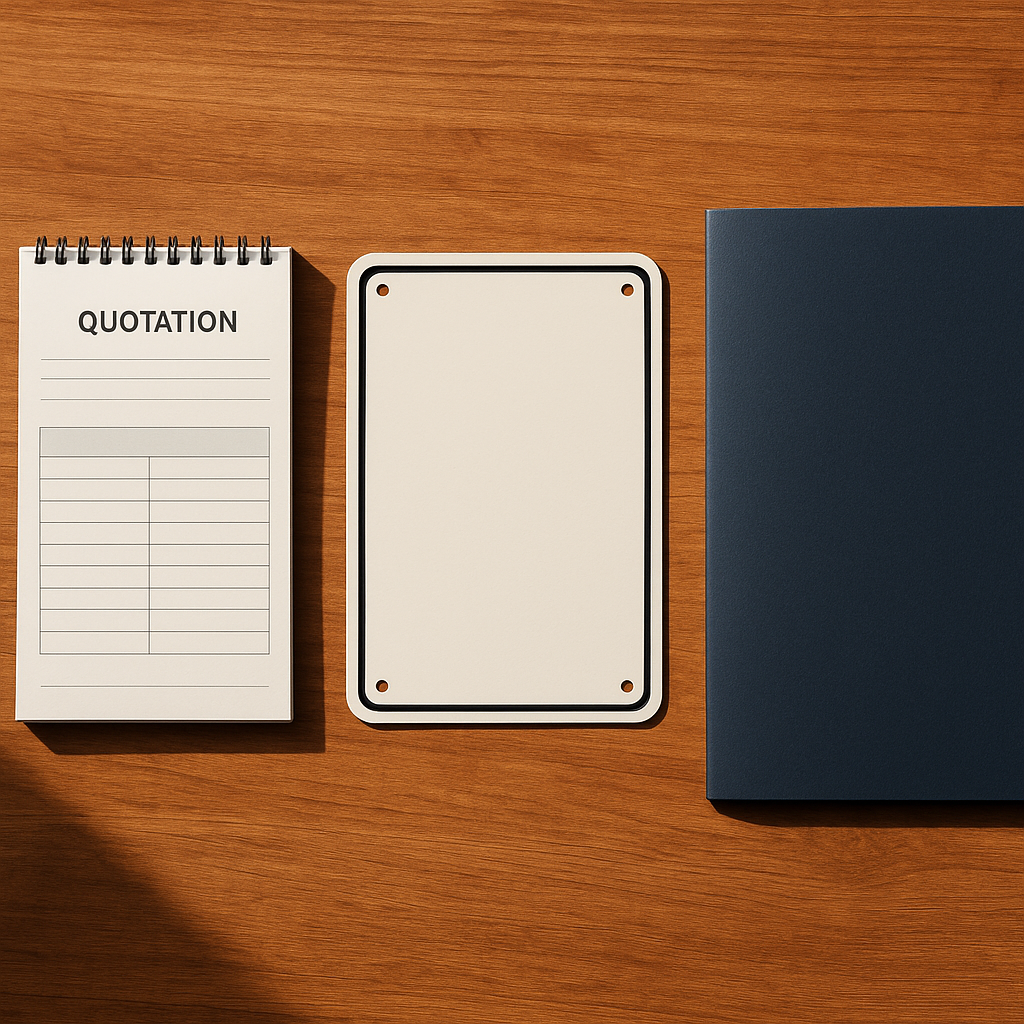
- Artwork: whether the quote includes design work or expects a ready file.
- Delivery: the destination and any delivery charge shown for the order.
- Tax and extras: check whether each quoted amount includes tax and any stated additional charges.
Calculate the cost per usable card
Divide the complete confirmed order cost by the number of cards you will receive. Keep the scope identical: if one quote includes design or delivery and another excludes it, reconcile those items before comparing the totals. A lower unit price on a larger run can still mean a higher total spend and more unused cards if contact details change.
Compare two quantities without changing everything else
Ask for both quantities with the same size, printed sides, finish and artwork versions. Record the total for each, calculate the unit cost, and consider how many cards you expect to use before a likely change of role, phone number or brand identity. The aim is a suitable order, not simply the lowest unit price.
Prepare one clear specification
Use this brief: finished size; material; printed sides; finish; number of designs; copies per design; artwork readiness; delivery city; and required use date. If an option is not shown on the product page, confirm it with the team before treating it as included. The requested use date is a planning input, not a confirmed delivery promise.
Top 10 Practical Recommendations for Business Card Printing Cost
These steps keep your business card printing cost comparison fair. Follow them before you approve any order.
- Write one specification first. Note size, paper, sides, finish and quantity, then send the same list to every printer.
- Decide the quantity per version. Cards for two job titles are two artwork versions, so count them separately.
- Choose one or two sides deliberately. Print the back only when it carries something useful, such as a second language or a QR code.
- Select the finish from the product page. Review the custom business card printing options instead of assuming a finish is included.
- Ask what the quote includes. Confirm design help, delivery and tax so that two totals describe the same order.
- Calculate the cost per usable card. Divide the total by the cards you will actually hand out, not by the sheet count.
- Compare two quantities side by side. Change only the quantity, then see how the unit cost moves.
- Proofread every contact detail. Check phone numbers, emails and links, and approve the free digital proof before printing.
- Test your QR code on a printed sample. Scan it at the real size, and keep a readable web address beside it.
- Save the approved file. A stored version makes a reorder faster, and you can request a quote with the same file.
What’s New as of October 2026
Print shops keep pushing premium finishes this autumn. A fall 2026 trend guide from OvernightPrints (updated 12 October 2026) lists thick stock, recycled paper, soft-touch and spot UV among the popular options.
Another 2026 guide from Paperlust (updated 8 October 2026) suggests QR codes work best on the back, and only with a clear benefit. It also mentions vertical layouts as a way to stand out.
These are trend opinions, not price changes. Therefore, ask for a current quote for each finish. For smaller jobs, see our quote preparation guide for the same comparison habit.
Frequently Asked Questions About Business Card Printing Cost
What affects business card printing cost the most?
Quantity, paper, finish and the number of printed sides. Design work and delivery can also change the total.
Is a lower quote always the cheaper option?
No. A lower quote may cover a different size, paper or finish, so compare identical specifications first.
How many cards should I order?
Order what you will use in a few months. If your details change often, a smaller first run is safer.
Do I need to print both sides?
Not always. A second side helps when you need another language or a QR code, but a clean single side works well too.
Can you help me prepare the file?
Yes. We offer design and file-preparation help, and you can read our small business branding guide for ideas.
Will I see a proof before printing?
Yes. We send a free digital proof so you can check names, numbers and links before we print.
How long does an order take?
Most orders take 3-5 working days, then 24-72 hours for shipping within Saudi Arabia.
Can I add a card to my packaging?
Yes. Small cards work well as inserts, as shown in our packaging inserts guide.
Choose a product to continue
Browse Business Cards and open the product that matches your intended specification. Review the current options and confirm any outstanding details before placing the order.
Business Cards · custom business card printing
Related reading: Paper Packaging Wraps Compared: Store vs Restaurant vs Gift · How to Reduce Printing Ink Costs Without Sacrificing Quality