
Paper Ink Blog
How to Choose a Paper Cover That Reflects Your Brand: Stock, Weight and Finish


A well-chosen paper cover shapes how buyers see your brand. To choose paperback cover printing that fits your brand, decide first what the cover must do: survive daily handling, feel like a gift, or sit on a shelf. Then pick the paper weight, then the finish (matte or gloss), and check colors on a proof before printing. That order saves you reprints.
In short
- The cover is the first thing a customer touches, so match its stock and finish to your brand.
- Heavier stock feels more premium and durable; lighter stock suits short-lived, budget pieces.
- Matte feels calm and upscale; gloss makes color pop but shows fingerprints.
- Never approve printing before you have seen a proof of color and size.
What does a paper cover say about your brand?
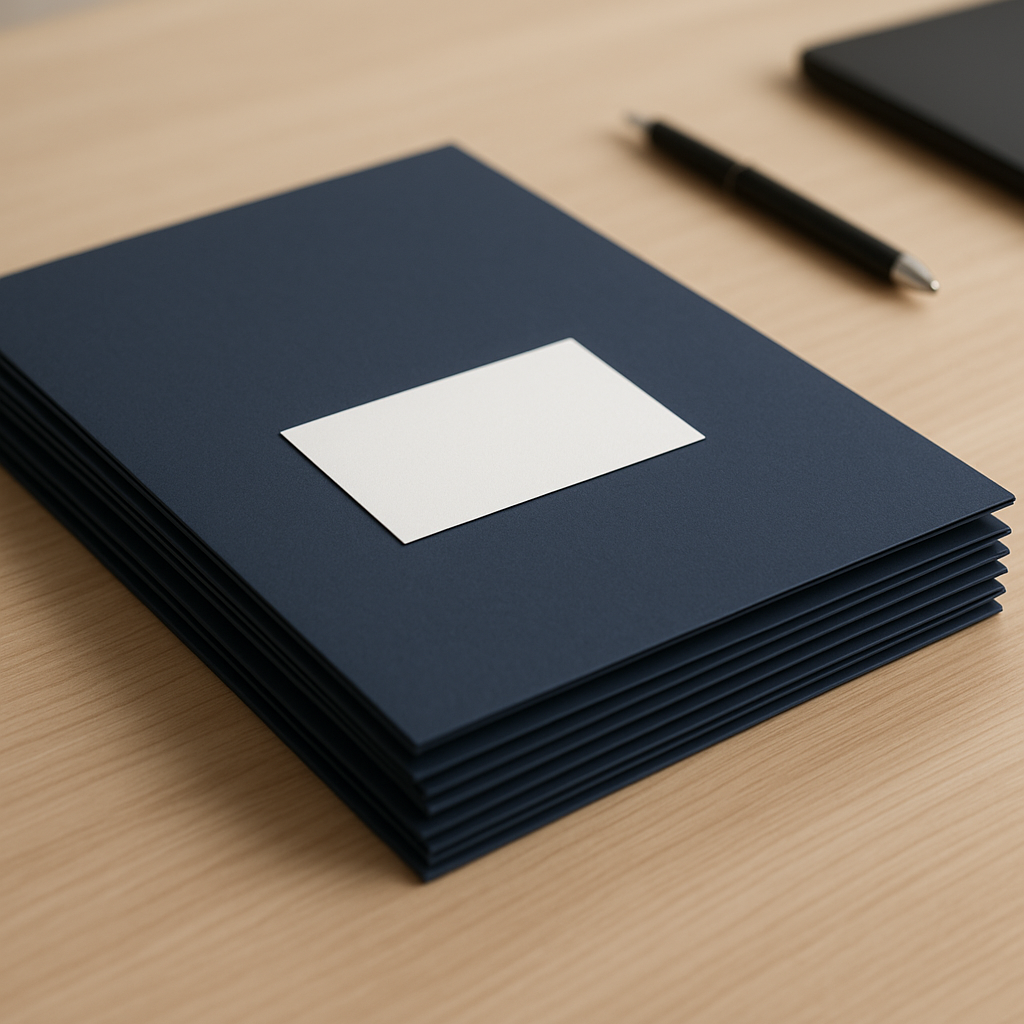
Before a customer reads a word, they feel the cover’s weight and see its color. A notebook with a thin, washed-out cover sends a very different message from one with a sturdy matte cover, even if the pages inside are identical. That is why a cover is part of your identity, not just protection.
This applies to anything with a cover: books, booklets, notebooks, planners, company profiles and menus. If you are printing a handbook or manual, see our guide to printing employee handbooks and training manuals for a related workflow.
How do you plan paperback cover printing step by step?
- Define the cover’s job. A daily-use piece needs durability, a gift needs a premium feel, and a short promotional piece may only need a simpler cover.
- Choose the paper weight. Heavier cover stock resists bending and creasing, but it is harder to fold and needs care at the binding edge. Ask your printer for samples at different weights and compare by hand.
- Choose the surface. Coated stock makes color and photos pop; uncoated stock has a natural feel that suits quieter brands and handwriting.
- Choose the finish. Matte lamination reduces glare and feels refined; gloss raises color saturation. Decide by your brand personality.
- Match your brand colors. Large areas of dark color and very light colors are most likely to differ from your screen, so keep a printed reference of your brand colors.
- Design with safe margins. Keep logos and text away from trim and fold edges, and extend the background past the cut line.
- Request a proof. Review size, colors and logo placement before approving production.
Matte or gloss: which suits your brand?
| Factor | Matte | Gloss |
|---|---|---|
| Look | Calm and premium | Vivid, saturated color |
| Fingerprints and scuffs | Hides fingerprints better | Fingerprints show clearly |
| Reading under bright light | No glare | May reflect light |
| Handwriting | Easy to write on | Harder to write on |
| Best for | Notebooks, books, company profiles, quiet brands | Colorful photos, promotions, product booklets |
How does the cover change by product type?
The same decisions get different priorities depending on what you are printing:
| Product | What matters first | Practical tip |
|---|---|---|
| Book | The spine and durability under repeated reading | Leave enough room at the spine so the title is not cut |
| Booklet or company profile | A professional look and brand colors | Approve the proof against a printed sample of your brand colors |
| Notebook or planner | Toughness and ease of writing | Test a sample in your bag before approving |
| Menu | Resistance to stains and wiping | Ask about surface protection for repeated use |
How do you prepare the cover file?
Most cover problems start with the file, not the paper. Check these before you send it:
- High-resolution images: a small image looks soft at cover size, so use the original, not a screenshot.
- Extended background: run the background color past the cut line so no white sliver shows if the trim shifts slightly.
- Safe margins: keep important text well away from edges and folds.
- Fonts: convert text to outlines or embed fonts so nothing changes at print time.
- Spine width: for a book, ask the printer for the final spine thickness before placing a title on it.
If you do not have a print-ready file, our design and file-preparation service is available.
Quick tests before you approve a cover
- The fold test: fold a sample at the spine line and see whether the colored surface cracks or shows white at the crease.
- The rub test: rub the surface with a finger and check whether the ink smears or scuffs.
- The bag test: carry the sample in your bag for a few days if the piece will be handled daily.
- The light test: view the sample by a window and under office light, because color shifts between the two.
Common mistakes when choosing a paper cover
- Choosing the weight from a photo without touching a sample.
- Placing the logo too close to the trim or spine, so it gets cut or lost in binding.
- Trusting screen colors instead of a proof.
- Picking gloss for a piece that will be read under strong light.
Printing notebooks or planners? Read our custom notebooks and planners guide for more on how a cover works inside a gift or brand set.
How Paper-Ink can help
Paper-Ink is a print shop and online store in Jeddah serving stores and brands across Saudi Arabia. We offer a free digital proof before printing, a design and file-preparation service, and delivery within Saudi Arabia and the GCC. Message us on WhatsApp and we will walk you through the options that suit your project, or browse the paper cover category and our paper prints.
Top 10 Practical Recommendations for Choosing a Paper Cover
These tips save you from costly reprints. So apply them before you send your cover file.
- Define the cover’s job first. A cover handled daily needs a different weight and finish from a gift cover.
- Choose the weight for the use. A heavier stock protects more, but it can make folding and binding harder.
- Compare matte and gloss on a sample. Matte looks calm, while gloss makes colors pop but reflects light.
- Ask about coated and uncoated stock. Ink absorbs differently, which changes color consistency.
- Use high-resolution images. A screenshot looks blurry across a cover surface.
- Extend the background past the cut line. This prevents a white strip if the cut shifts slightly.
- Keep key text away from edges and the spine. For books, ask the printer about spine thickness first.
- Convert fonts to outlines. That way the type cannot change on another machine.
- Ask for the free digital proof. Check colors and trim before approving, and browse our book printing options.
- Start early. Most orders take 3 to 5 working days, then 24 to 72 hours of shipping. See also our notebook and planner gift guide.
What’s New as of October 2026
The Literature, Publishing and Translation Commission announced on September 13, 2026 that publishers can register for the Riyadh International Book Fair 2026. The fair runs from December 10 to 19, according to the Saudi Press Agency report.
Therefore, if you are preparing a book cover for that date, start with a proof early. Most of our orders take 3 to 5 working days, then 24 to 72 hours of shipping.
We did not find a confirmed new update to paper cover specifications. So rely on stable references such as Adobe’s guide to printer’s marks and bleeds, and confirm the printer’s own requirements before exporting.
Frequently Asked Questions About Choosing a Paper Cover
Which paper cover suits notebooks and planners?
Choose a sturdy weight with a finish that resists rubbing. Our notebook and planner guide covers the options.
Is lamination necessary for a paper cover?
Not always. It helps covers that are handled a lot because it resists scratches and moisture, but a short-lived gift cover may not need it.
How do I keep cover colors consistent between orders?
Approve a proof and record the stock and finish for every order. Then send the same file and specs when you reorder.
Should I use coated or uncoated stock for a cover?
Coated stock makes colors and detail pop, while uncoated gives a natural feel. Ask for a sample of both before deciding.
Does Paper-Ink send a proof before printing a cover?
Yes. We send a free digital proof before printing so you can check colors and trim. Our team can also help with file preparation.
How long does a cover order take?
Most orders take 3 to 5 working days, then 24 to 72 hours of shipping. We deliver across Saudi Arabia and to GCC countries.
What file size should a cover be?
Use the final trim size with the background extended past the cut line. For a book, confirm the spine thickness with the printer.
Is shipping free?
Yes, for orders of SAR 250 or more. For questions, message us on WhatsApp or see our book printing page.
Bottom line
A good cover is a brand decision before it is a material decision: set its job, then weight, then finish, and check color on a proof. If you want help choosing for your project, message us on WhatsApp and request your free digital proof.
Related reading: Types of Paper Covers for Printed Products, Ranked by Look and Cost