
Paper Ink Blog
Presentation Folder Printing: Pocket Layout, Paper Weight, and Branding Guide

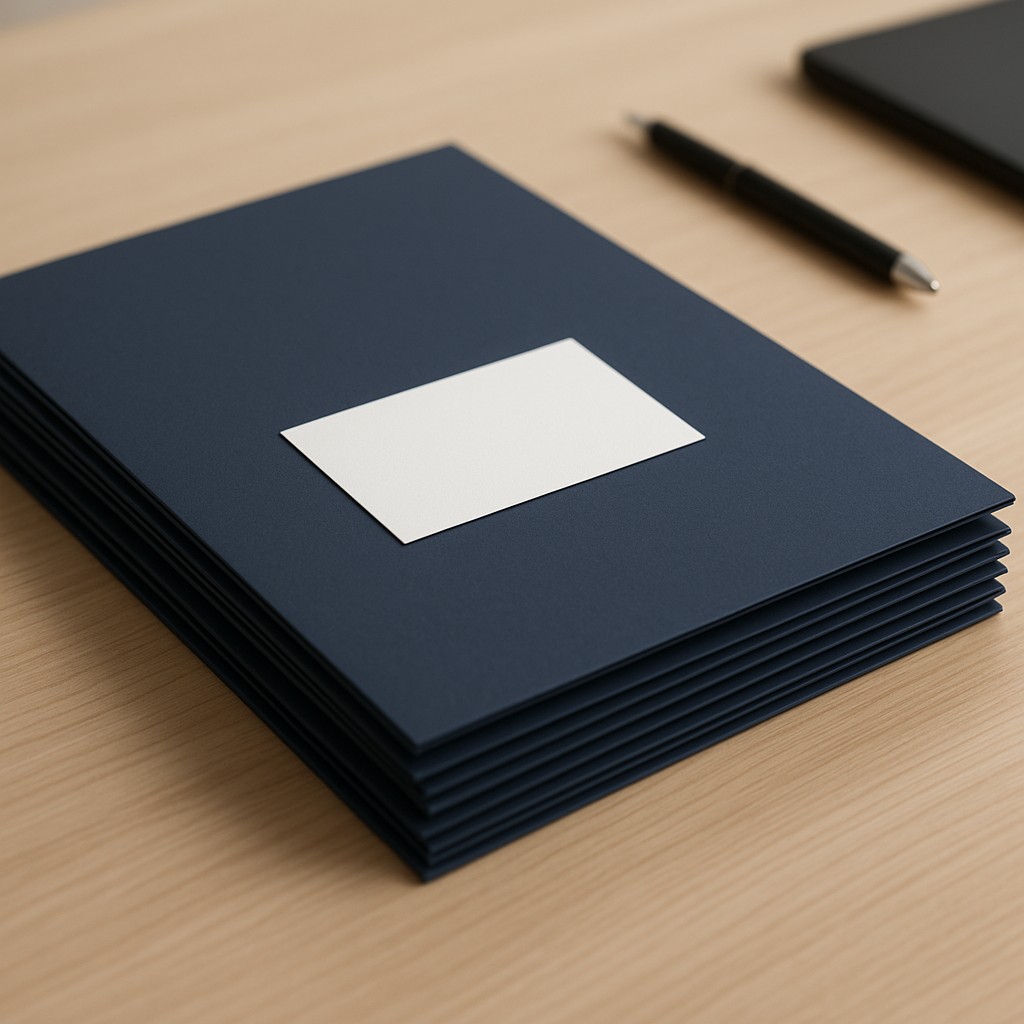
The fastest way to approach presentation folder printing for your business is to decide the pocket layout first, then the paper weight, then the finish — in that order. Most companies do it backward: they pick a nice cover design, then discover the folder cannot actually hold what they need (a full proposal, a business card, a USB drive) without bending or spilling documents. This guide walks through the pocket layouts that work for real office use, what weight of stock holds its shape, and how to brand the folder so it looks consistent with the rest of your stationery.
Start with what the folder needs to hold
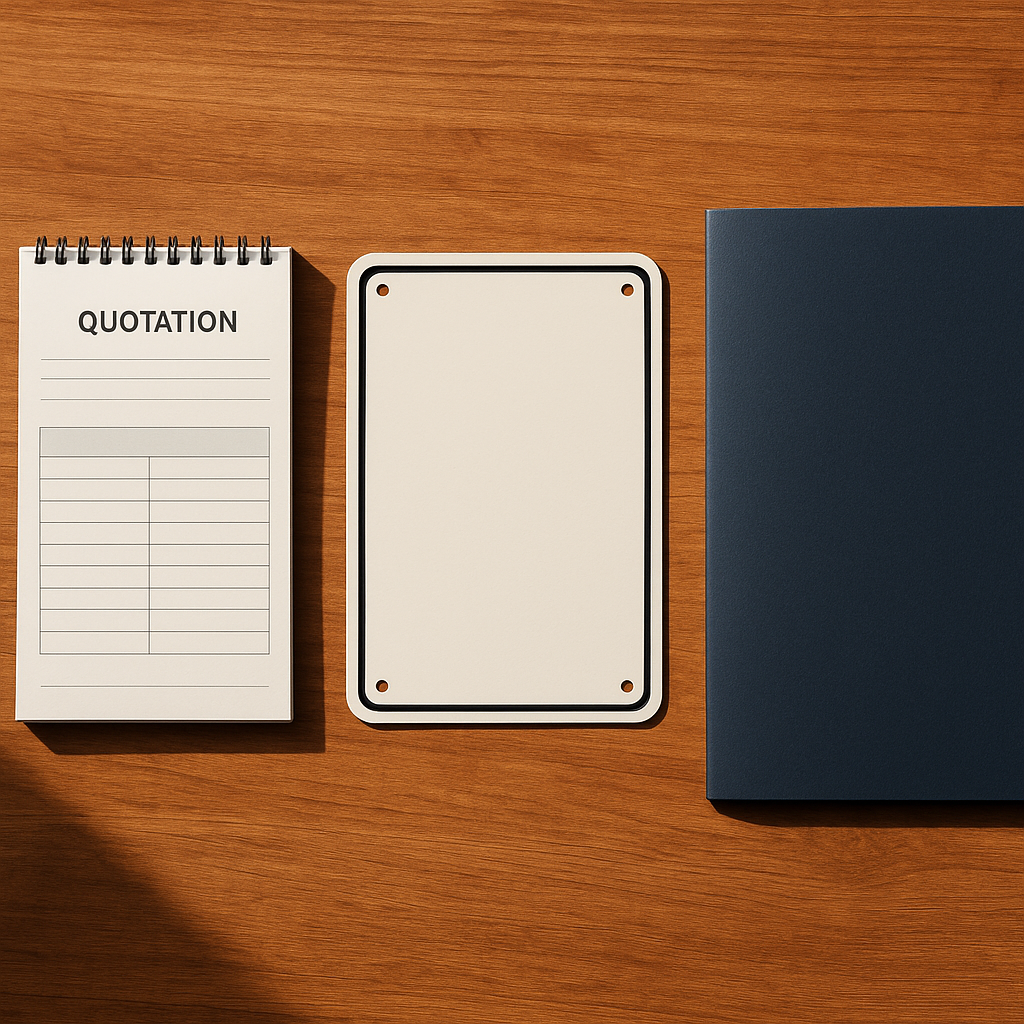
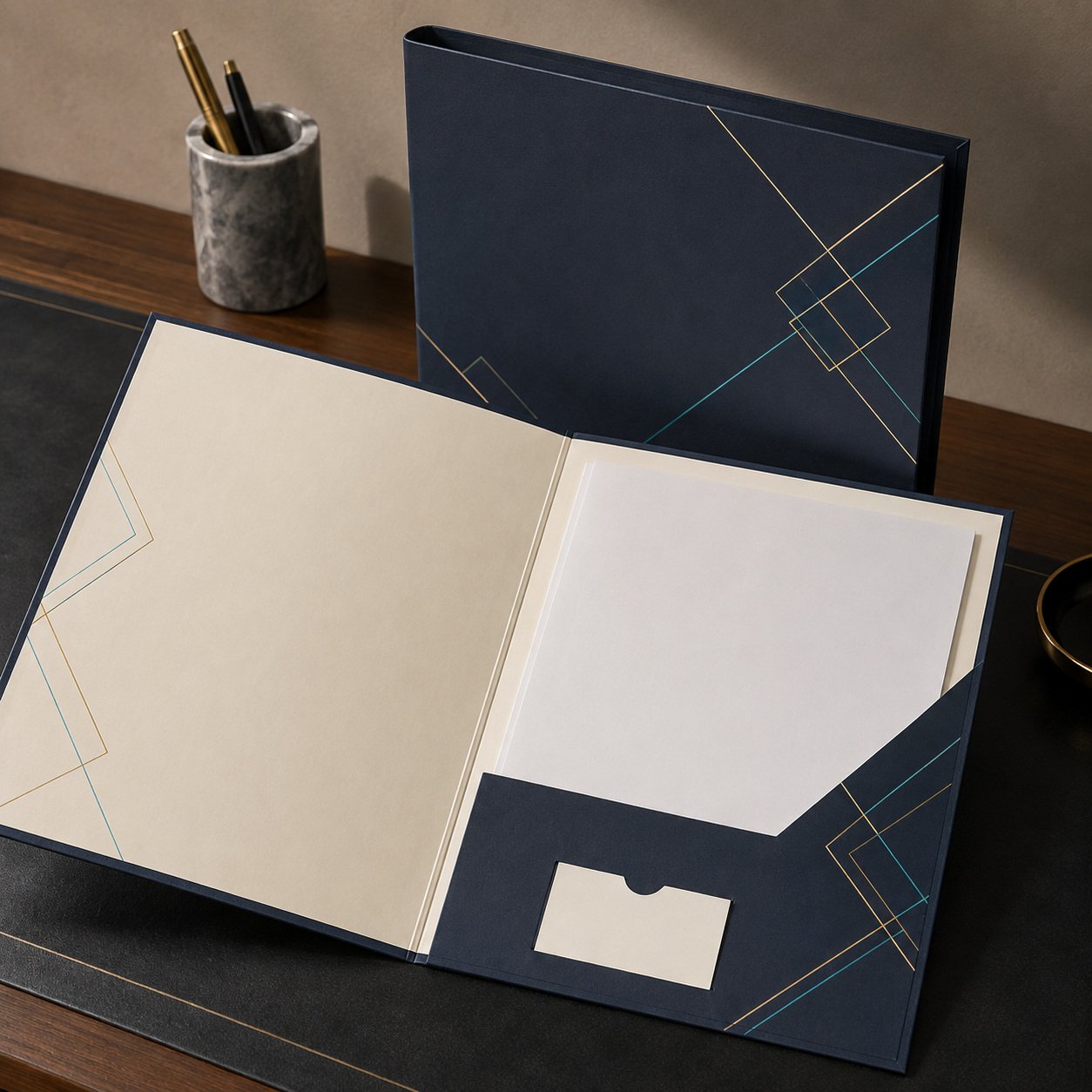
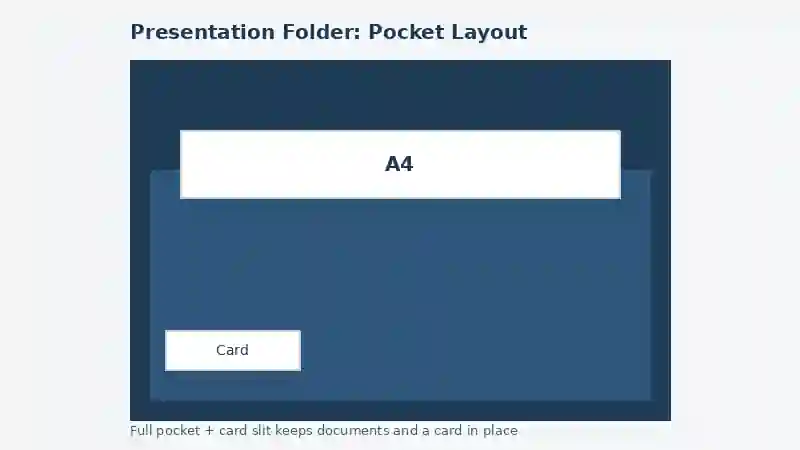
Before any design decision, list exactly what goes inside: a bound proposal, loose A4 sheets, a business card, a small brochure, or a USB stick. A folder built for one sheet of paper looks identical to a folder built for a 20-page proposal until it is actually loaded — then the thin one bulges, the spine curls, and the business card slides out. The diagram below shows the layout that handles the most common office scenario: a full A4 document plus a business card, held by two separate features rather than one oversized pocket.
Pocket layouts that actually hold up in daily use
There are three layouts worth considering for business stationery, and each solves a different problem:
- Full inner pocket: a single pocket covering most of the inside panel, best for loose sheets or a stapled handout. Simple to produce and the most affordable option.
- Full pocket with a card slit: adds a short diagonal or straight cut sized for a standard business card, so the card does not slide around loose with the documents. This is the layout most client-facing teams should default to.
- Double pocket (left and right): separates document categories — for example, a contract on one side and supporting appendices on the other — useful for legal, finance, or any proposal with multiple distinct documents.
If your folder needs to carry a matching letterhead or branded insert sheets, align the pocket layout with how those inserts are folded, so nothing has to be creased awkwardly to fit.
Paper weight: where folders actually fail
A folder that looks sharp in a product photo can still fail in the hand if the stock is too light. For a cover that gets handled repeatedly — passed across a meeting table, carried in a bag — anything under 300 GSM tends to show wear within a few uses: corners round off, the spine loses its crease, and the surface scuffs. For internal-use folders that mostly sit in a drawer, a lighter stock around 250 GSM is a reasonable cost-saving choice. The rule of thumb: match the paper weight to how often the folder will actually be handled, not to how it looks on day one.
Quick reference: folder specs by use case
| Use case | Recommended pocket layout | Recommended weight | Finish |
|---|---|---|---|
| Client proposals, sales meetings | Full pocket with card slit | 300-350 GSM | Matte lamination or soft-touch |
| Legal or financial documents | Double pocket | 300 GSM | Matte lamination |
| Internal reports, drawer storage | Full inner pocket | 230-250 GSM | Uncoated or light gloss |
| Conference or event handouts | Full pocket with card slit | 250-300 GSM | Gloss lamination |
Branding the folder without overdesigning it
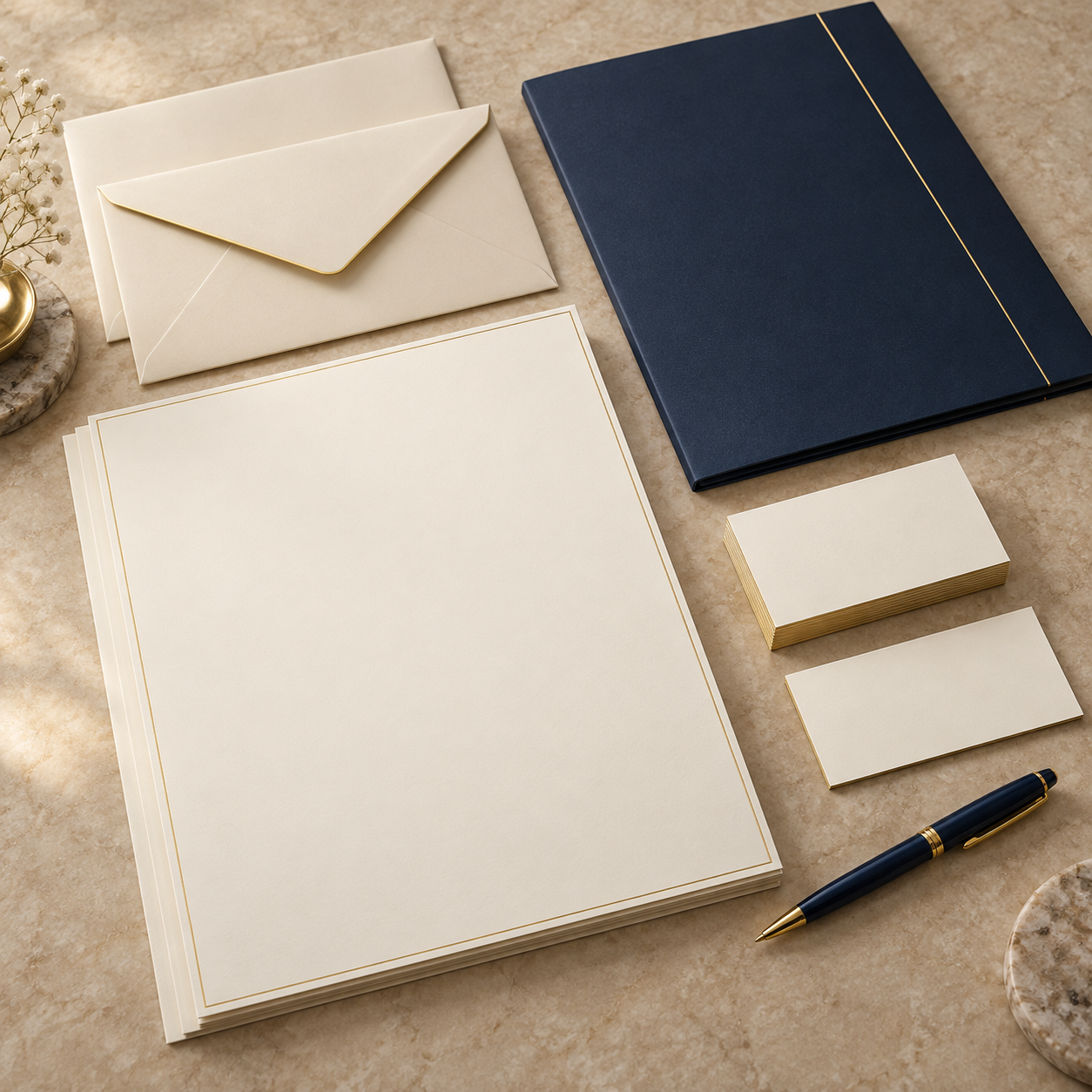
A presentation folder is one of the few pieces of stationery a client or partner physically holds for several minutes while flipping through documents, so it is worth getting the branding basics right rather than filling the cover with text. Keep the front panel to a logo, a single tagline at most, and enough white space that the cover does not compete with whatever is printed on the inside pockets or inserts. Matching the folder’s color and finish to your branded stationery essentials — business cards, letterhead, envelopes — matters more for a cohesive look than any single design flourish on the folder itself.
For companies printing in volume across several stationery pieces at once, requesting one combined quote that covers folders, cards, and letterhead together, rather than ordering each item separately, is the more efficient way to keep paper stock, color profile, and lamination consistent across every piece a client sees. As a general cross-reference, see Wikipedia’s overview of paper weight and density standards for how GSM measurements translate across different paper types.
Common mistakes when ordering presentation folders
- Choosing the cover design before the pocket layout: this almost always results in reordering once the folder is tested with actual documents.
- Skipping a physical proof: color on a screen and color on laminated stock can differ noticeably, especially with dark or metallic brand colors.
- Underestimating lamination drying and cutting time: laminated folders with die-cut pockets need more production time than a simple printed sheet — order at least two to three weeks ahead of a launch or event.
- Using a card slit sized for one card orientation only: if your team hands out cards in both portrait and landscape formats, a single fixed slit size can be too tight for one of them.
- Forgetting the spine width when the folder needs to close fully loaded: a folder designed flat may not close properly once a thick proposal and a brochure are both inside.
Checklist before sending your folder to print
- Confirm exactly what documents, cards, or inserts the folder needs to hold.
- Choose the pocket layout based on that content, not on the cover design alone.
- Match paper weight to how frequently the folder will be handled.
- Request a physical proof and check it under natural light before full production.
- Align the folder’s branding with your existing business card, letterhead, and envelope stock.
- Confirm production and lamination lead time, with a buffer for any last-minute design changes.
Top 10 Practical Recommendations for Presentation Folder Printing
Use this checklist before you approve any presentation folder printing job. It keeps the folder useful, not only attractive.
- List the contents first. Write down every item the folder must carry, from the proposal to the USB stick.
- Pick the pocket before the cover art. A pocket that fits the contents matters more than any graphic.
- Add a business card slit. A dedicated slit stops the card from sliding among the loose papers.
- Match paper weight to handling. Folders that travel to client meetings need heavier stock, as our guide to paper types for stationery explains.
- Keep the branding simple. One logo, one main color and generous white space read as confident, as shown in branded stationery essentials.
- Match the whole stationery set. Compare the folder with your cards from business card printing in Riyadh so color and finish agree.
- Weigh finish against paper. Sometimes better stock beats an extra finish, so read print finishing options versus better paper first.
- Send a clean print file. Provide a vector logo and include bleed, or ask our team to prepare the file for you.
- Approve the free digital proof. Check the pocket position, margins and spelling before anything is printed.
- Plan the timeline early. Most orders take 3-5 working days, then 24-72 hours of shipping, so see how to plan and order your stationery.
What’s New as of October 2026
We searched for recent changes that affect presentation folders in Saudi Arabia. We found no new confirmed regulation or industry update specific to them, and we prefer to say so plainly.
If your clients care about sustainable sourcing, check the label scheme before ordering. The Forest Stewardship Council website describes its 100%, Recycled and MIX labels. When we checked on 27 October 2026, its newest headline concerned a stakeholder consultation, not folders or paper stock.
Paper weight is still the main quality factor. For a neutral definition of GSM, see the Wikipedia entry on paper density, then ask us which stocks suit your folder.
Frequently Asked Questions About Presentation Folder Printing
What paper weight should a presentation folder be?
Folders handled often in client meetings do well at 300-350 GSM. Lighter stock around 230-250 GSM is fine for folders that mostly stay in a drawer.
Can a folder hold documents and a business card securely?
Yes, if the layout has a full pocket plus a dedicated card slit. A single oversized pocket cannot hold the card reliably.
How long does presentation folder printing take?
Most orders take 3-5 working days, followed by 24-72 hours of shipping. Share your event date early so we can plan around it.
Should the folder match our business cards and letterhead?
It should match closely in color, paper finish and logo placement. A visibly different shade between pieces makes a set look unplanned.
Do I get a proof before printing?
Yes, we send a free digital proof first. You can approve it or request changes before printing starts.
Can you help prepare my artwork?
Yes, our team can help with design and file preparation. You can also read our brand print standards guide to keep every piece consistent.
Do you deliver outside Jeddah?
We deliver across Saudi Arabia and to the GCC. Orders of 250 SAR and above ship free.
How do I get a quote?
Send your quantity and contents through the request a quote page or chat with us on WhatsApp.
Bringing it together
A presentation folder earns its cost when it survives real use: documents stay flat, the business card stays put, and the branding reads clearly without shouting. Decide the pocket layout around what the folder actually needs to carry, choose a paper weight that matches how often it will be handled, and keep the branding consistent with the rest of your stationery. Request a quote or reach us directly on WhatsApp to spec out branded presentation folders for your next batch of client meetings.