
Paper Ink Blog
Paper Types for Printing Business Stationery: Matching Paper and Ink to Your Brand and Budget

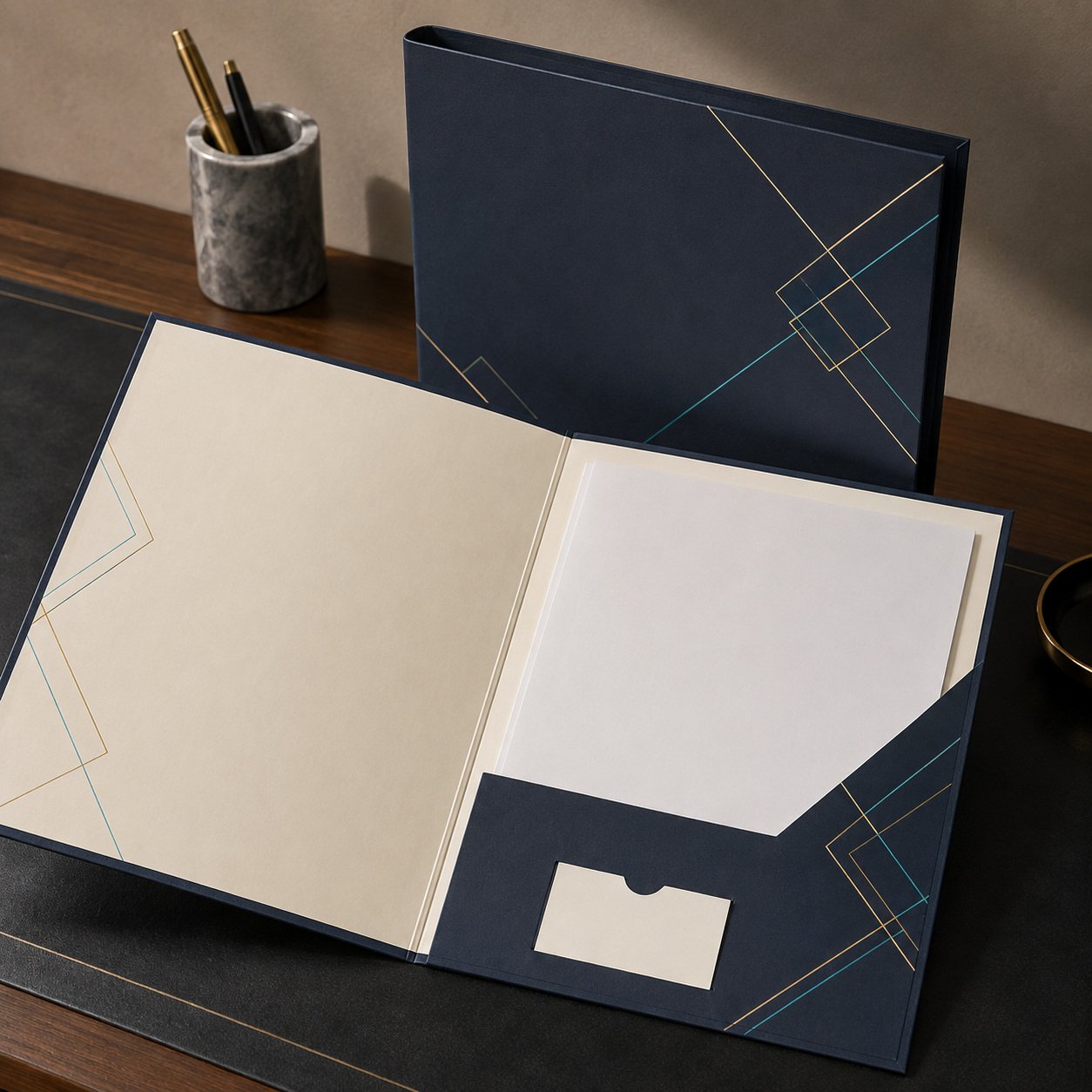
The main paper types for printing business stationery fall into three groups: uncoated (offset) paper for anything people write on, coated paper in gloss or matte for color and photos, and heavier cardstock for business cards and covers. Your choice comes down to weight (GSM), surface, and the ink or print method used.
Quick take:
- Uncoated paper is the safe pick for letterhead, envelopes and notepads — pens, stamps and office printers all work on it.
- Coated paper makes color pop. Matte reads better and feels calmer; gloss delivers the most saturated images.
- Everyday sheets start around 80 GSM; business cards usually sit at 300 GSM or more.
- Ink has to suit the surface: what works on office paper won’t always work on coated stock.
What paper types for printing are used in business stationery?
A stationery set is not one sheet of paper. It’s a family of items, and each one does a different job. A letterhead gets signed. A business card gets handed over and kept in a wallet. A thank-you card gets read once, then hopefully remembered. That’s why the right paper types for printing differ from item to item.
Uncoated (offset) paper
Slightly textured and absorbent, it’s close to the paper in most office printers. Ink sinks in, so it doesn’t reflect light and it takes pen, pencil and stamps easily. Use it for letterhead, envelopes, notepads and the inside pages of manuals. The trade-off: colors print softer and a little less vivid than on coated stock.
Gloss coated paper
A smooth coating keeps ink sitting on the surface, so colors look rich and photos look sharp. It’s the usual choice for brochures, flyers and marketing profiles. But it reflects light and ballpoint pens skip on it, so never use it for a form someone has to fill in by hand.
Matte coated paper
Coated like gloss, but without the shine. It looks refined and keeps long blocks of text easy to read, which is why many brands choose it for company profiles, catalogs and thank-you cards. Writing on it is easier than on gloss, though still not as easy as on uncoated paper.
Cardstock
Cardstock is simply a heavier version of the stocks above, coated or uncoated. It’s used for business cards, thank-you and gift cards, folder and notebook covers, and small envelopes. When you want a card to feel substantial in the hand, weight matters as much as the design.
Paper weight guide: how many GSM does each item need?
GSM (grams per square meter) measures how heavy a sheet is; higher numbers usually mean thicker, stiffer paper. Treat the table below as a practical starting point based on common market weights, not a rule — your design and how the piece is used will shape the final call.
| Item | Typical GSM | Suggested surface | Practical note |
|---|---|---|---|
| Letterhead | 80–120 | Uncoated | Must feed through your office printer without jamming |
| Business envelopes | 100–120 | Uncoated | Check that contents don’t show through |
| Notepad or notebook pages | 70–100 | Uncoated | Lighter sheets let ink show on the back |
| Flyers and leaflets | 130–170 | Gloss or matte coated | Gloss for photos, matte for text-heavy layouts |
| Company profile pages | 150–170 | Matte coated | Cuts glare when you present in meetings |
| Business and thank-you cards | 300–350 | Coated or uncoated cardstock | Go uncoated if you’ll handwrite notes |
| Folder or notebook covers | 250–350 | Coated cardstock with protection | Covers take the most wear and scuffing |
A tip from the print floor: don’t pick a weight from a screen. Hold a sample or compare with a card you already own. The jump from 250 to 350 GSM is something you feel more than something you read in a spec sheet.
Which ink works with which paper?
Paper is only half the result; the ink and print method are the other half. Here are the three methods you’re most likely to meet:
- Digital toner (laser): powdered toner is fused onto the surface with heat. It prints crisply on both coated and uncoated stock and suits short and medium runs. If you plan to run pre-printed letterhead through a hot office laser printer later, test a sheet first — heavy toner coverage doesn’t always like a second pass.
- Liquid ink (inkjet): absorbs well into uncoated paper but can smudge or dry slowly on standard coated stock unless the paper is made for inkjet. If your team will add names or addresses to letterhead on an office inkjet, choose uncoated paper.
- Offset printing: uses oil-based inks and printing plates, and becomes cost-effective at very large quantities. On uncoated paper its colors look a bit lighter than on screen, which is normal.
A simple rule: dark colors and large solid areas need a coated surface to stay clean, while text and fine lines look excellent on uncoated paper. If your logo depends on a very specific color, ask for a proof and compare it on both stocks before you approve.
How do you choose paper types for printing on a budget?
A smart budget isn’t about the cheapest paper. It’s about spending where customers notice. For each item, ask three questions: Will a customer touch it? Will someone write on it? Does it need to last, or is it used up quickly?
- Online store or small brand: put the money into heavyweight thank-you and business cards; keep internal paperwork on standard uncoated stock.
- Consultancy or service firm: letterhead, envelopes and your presentation folder are your front door. Go slightly heavier uncoated for letterhead and matte coated for the company profile.
- Café or restaurant: loyalty cards and vouchers get handled a lot and face moisture, so a coated surface with protection lasts longer.
- Training or education provider: manuals and notebooks get written in constantly; uncoated paper at the right weight stops ink showing through. Our guide to printing employee handbooks and training manuals goes deeper.
Another way to save: standardize on one or two stocks across several items. It simplifies production and keeps colors more consistent between reorders. Still deciding which pieces you need at all? Start with our roundup of branded stationery essentials.
Common mistakes when choosing stationery paper
- Printing letterhead on gloss, then finding signatures and stamps won’t dry.
- Choosing a light weight for notebooks, so ink bleeds through and pages feel cheap.
- Approving a logo color on screen without a proof on the real stock.
- Ordering a large letterhead run before testing a sheet in the office printer.
- Skipping protection on covers and cards that get handled every day.
If your set includes branded notebooks or planners, see our custom notebooks and planners guide for inner pages and covers.
Frequently asked questions
What’s the difference between coated and uncoated paper?
Coated paper has a smooth layer that keeps ink on the surface, so colors and photos look sharper and more saturated. Uncoated paper absorbs ink, so colors print softer, but it’s far better for writing, signing and stamping. That’s why uncoated stock is the standard for letterhead, envelopes and notepads.
What GSM is best for business cards?
Most business and thank-you cards are printed on 300–350 GSM cardstock, which feels firm and high quality in the hand. Choose uncoated cardstock if you want to write on the card, or coated cardstock if you want bold colors and images, ideally with a protective layer for durability.
Is matte or gloss better for stationery?
It depends on the item. Matte is easier to read and looks understated, so it suits company profiles, catalogs and thank-you cards. Gloss makes photos and colors stand out, so it suits flyers and promotional pieces. For letterhead and envelopes, uncoated paper is usually the better choice because it handles writing and office printing.
What paper works best in an office printer?
Uncoated paper between 80 and 120 GSM is the most compatible with office inkjet and laser printers. Avoid standard coated paper in inkjet printers because it can smudge and dry slowly. Before printing a large batch of letterhead, test a single sheet in the printer your team will actually use.
How can I check paper and colors before printing my stationery?
Ask for a proof before the final run and check colors, sizes and text, then compare the weight with a similar card you already own. At Paper-Ink, every order comes with a free digital proof, and our design service can prepare your files if they aren’t print-ready yet.
Start your stationery on the right paper
Choose paper by what each item has to do, not by price alone. Browse the Paper-Ink shop, request a free digital proof before you approve your order, and get delivery across Saudi Arabia and the GCC — with free shipping on orders of SAR 250 or more.
Related reading: Stationery Printing in Saudi Arabia: How to Plan and Order Yours From Paper-Ink, Step by Step
