
Paper Ink Blog
Corporate Onboarding & Welcome Kits for Saudi Companies: The Printed Materials Guide

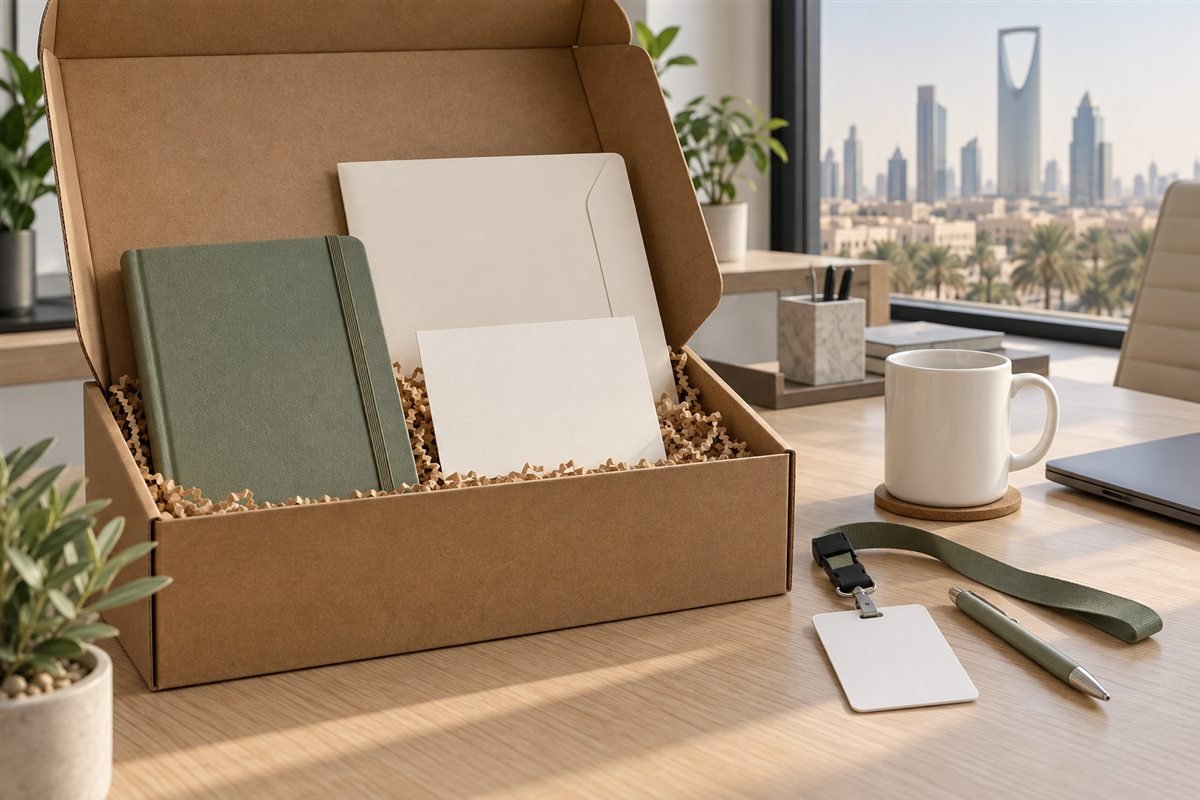
Bilingual welcome kits need an Arabic and English layout that remains readable at the final printed size. This guide focuses on printed materials, names and proof approval for Saudi teams. Decide the language structure before designing individual pieces so each version communicates the same practical information.
Choose a layout for bilingual welcome kits
For a short welcome message, opposite sides of one card can give each language enough space. For a longer letter or first-day guide, separate inserts may be easier to read and update. A side-by-side layout can work on a larger sheet, but test it at actual size instead of shrinking both languages until they fit.
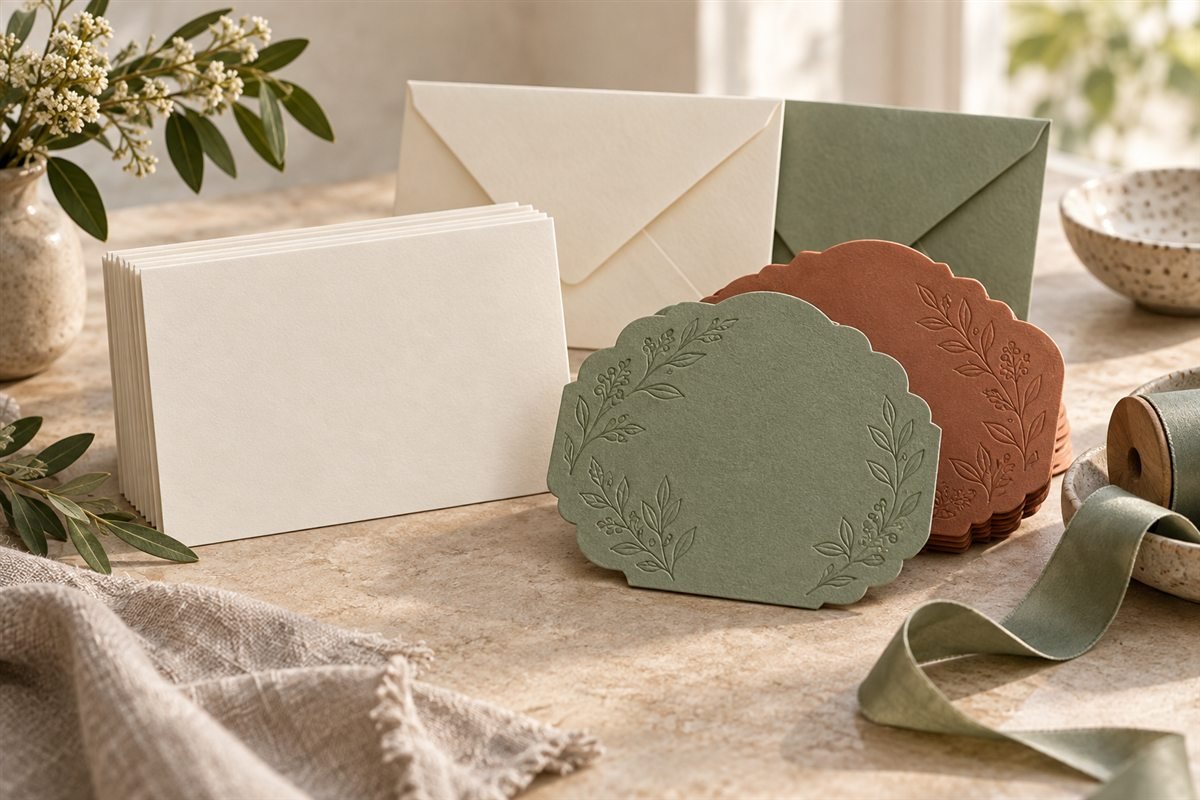
Choose the physical format from paper print options and custom cards before typesetting. If the team still needs to decide what goes in the box, start with the corporate welcome kit contents checklist.
Check meaning, names and reading direction
Create an approved content sheet containing both languages. Check that names, job titles, dates, phone numbers and meeting locations match. Let the employee or responsible HR contact confirm the preferred spelling of their name. Machine translation alone is not a final proof for employment information.
Set Arabic paragraphs right to left and English paragraphs left to right. Check how phone numbers, URLs and punctuation appear inside Arabic lines. Give each language enough space for its natural line length; matching a font size does not always produce equal readability. Avoid putting essential instructions only inside an illustration.
Prepare separate masters and personalized fields
Keep a clean master for each item, with clearly identified fields for the employee name or role. Use a small sample file to test variable information if the printer offers personalization. Check long names as well as short ones, and approve a proof showing the largest expected text before producing all badges or cards.
Use printed bags or folders to bring the set together, while leaving frequently changing information on replaceable inserts. The card printing comparison guide can help decide whether an urgent small batch needs custom printing.
Approve bilingual welcome kits at print size
Print both language versions and place them in the intended folder. Read the smallest text under normal office lighting. Check the front-to-back orientation, order of inserts, spelling and safe margins. Record the approved version and date so the supplier does not use an earlier file.
Use Adobe’s guidance on printer marks when discussing trim and bleed with the print provider. For the information itself, CIPD’s induction guidance is a useful reminder that onboarding should help people settle in and access the knowledge and support they need.
Confirm delivery and final handover
Give the printer an approved item list, files and quantities, then request a detailed quote. Ask for the production and delivery milestones separately, using the packaging lead time checklist to plan corrections and assembly. Keep one sample of the finished bilingual welcome kits for the next intake.
