
Paper Ink Blog
Printable Sticker Paper: How to Choose It and Print Stickers at Home, Step by Step

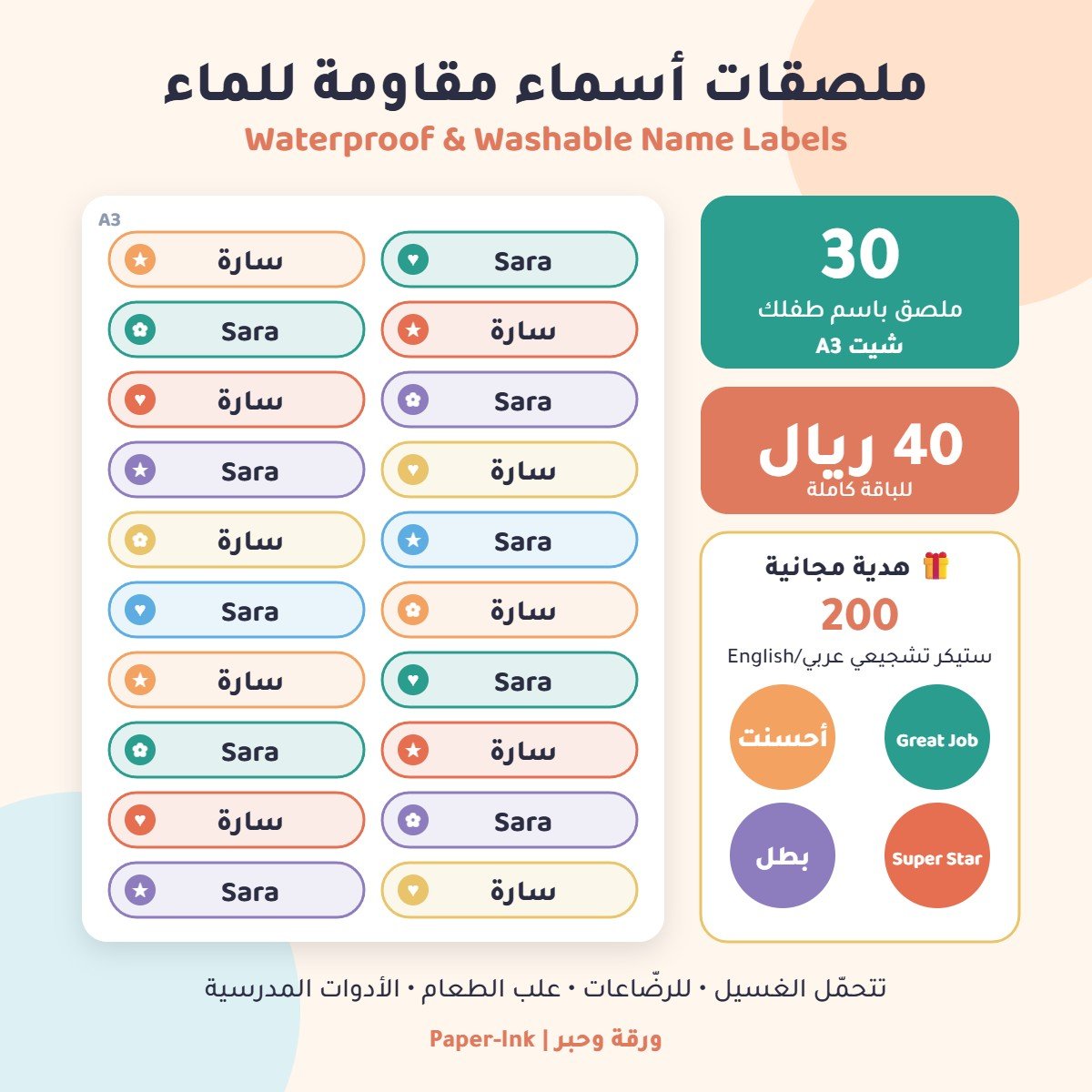
Printable sticker paper is a sheet with an ink-receptive face, an adhesive layer and a peel-away liner, so you can print on it with a regular printer and cut out your own stickers. For clean results, match the paper to your printer, design on a template sized to the sheet, run a plain-paper test, set the right paper type, let the ink dry, seal if needed, then cut.
Key takeaways:
- Start with your printer type. Inkjet sticker paper and laser sticker paper are not interchangeable.
- A good template prevents most problems: margins from the sheet edge and gaps between stickers.
- One plain-paper test print catches alignment and sizing mistakes before you waste adhesive sheets.
- Home printing is great for testing and small runs. For repeat orders and contour-cut shapes, a print shop is more consistent.
What is printable sticker paper, and which type fits your product?
Every sheet has three layers: a printable face, an adhesive, and a smooth backing liner. The face material (paper or vinyl) and its finish decide how the sticker looks and how long it lasts. Choose based on where the sticker will live, not just on the price per pack.
| Type | Look | Best for | Watch out for |
|---|---|---|---|
| White matte paper | Soft, writable with a pen | Price tags, name labels, ingredient labels on dry goods | Smudges with water and handling |
| White glossy paper | Brighter, punchier color | Logo stickers, dry packaging | Inkjet ink takes longer to dry |
| Printable vinyl | Flexible, plastic face | Jars, bottles, items handled often | Follow printer settings closely; some sheets still need a protective layer |
| Clear | Design appears printed on the surface | Glass and colored containers | Home printers cannot print white |
| Pre-cut labels | Ready-made circles or rectangles | Shipping labels, uniform seal stickers | You need the manufacturer’s exact template |
Before you buy, make sure the pack names your printer type. Our inkjet vs laser sticker paper guide covers compatibility in detail.
How to print stickers at home on printable sticker paper
These steps work with most home and office printers. Give yourself unhurried time; rushing is the number one reason sheets end up in the bin.
1. Decide size and quantity first
Measure the surface the sticker will go on: a lid, a bag, a jar. Then decide how many stickers you want per sheet. That single decision shapes the whole layout. If you are unsure about dimensions, check our common sticker size guide.
2. Build a sticker paper template
Create a document at the real sheet size (usually A4 in Saudi Arabia, Letter in the US) in Canva, Word or Illustrator. Template rules that matter:
- Keep a margin from the sheet edges. Most home printers cannot print fully edge to edge.
- Leave clear gaps between stickers so scissors or a craft knife can pass without clipping artwork.
- For pre-cut labels, download the manufacturer’s template using the code on the pack instead of drawing your own.
3. Check image and logo quality
Use high-resolution files at the size you will print, ideally a vector logo or a large PNG. Small text and fine details are the first things to blur, so don’t shrink them beyond what they can handle.
4. Run a plain-paper test
This is the cheapest, most useful step. Print the layout on ordinary paper, lay it over the sticker sheet and hold both up to a light. Do the designs sit inside the pre-cut shapes? Is the size right on the actual product? Fix it now, not after you have used an adhesive sheet.
5. Set up your printer
- Paper type: pick the closest match in the driver (labels, glossy photo, heavy matte) based on the pack’s recommendation.
- Quality: high or best.
- Scale: 100% or “actual size”. Turn off “fit to page” so the template stays true.
- Print side: mark a plain sheet with a pen to learn which side your printer prints on, then load the sticker paper accordingly.
- Feeding: load one sheet at a time to reduce skew and jams.
6. Let the ink dry
Glossy faces hold inkjet ink on the surface longer. Lay sheets flat and don’t stack them right away. Touching too early causes most smears and streaks.
7. Seal it if it will meet water or friction
Home-printed paper stickers react to moisture and fingers. A clear self-adhesive laminate sheet applied over the whole page before cutting adds protection and a gloss or matte feel. It improves durability, but it does not turn paper into vinyl.
8. Cut your stickers
Choose a cutting method based on shape and quantity, as compared below.
Cutting printed stickers: which method should you use?
| Method | Best for | Precision | Practical tip |
|---|---|---|---|
| Scissors or corner rounder | Simple circles and rectangles, small batches | Medium | Leave a thin white border so small wobbles don’t show |
| Craft knife and metal ruler on a cutting mat | Straight edges and rectangular labels | Good | Swap the blade at the first sign of torn edges |
| Home cutting machine (print then cut) | Custom shapes and medium runs | High | Print registration marks exactly as the software requires and never rescale the file |
Know the difference between a full cut, which separates the sticker and its liner, and a kiss cut, which slices only the face and keeps all stickers on one sheet. Kiss cutting gives you that finished “sticker sheet” look but needs a cutter with well-tuned blade pressure.
If colors come out dull or designs land off-target, our guide to sticker paper printing mistakes walks through causes and fixes.
When is printable sticker paper enough, and when should you use a print shop?
Printable sticker paper is ideal for testing a new design, small one-off batches and internal labels like prices or dates. The picture changes when orders repeat, when the product needs real resistance to water and refrigeration, when every sticker must be contour-cut to your logo, or when colors must match from batch to batch.
At that point, custom printed sticker sheets cut to shape will save you time. If you’re weighing formats, see sticker sheets vs rolls.
Printable sticker paper FAQ
Can I use printable sticker paper in any printer?
No. Each sheet is made for either inkjet or laser. Inkjet sheets can warp or release adhesive under laser fuser heat, while laser sheets don’t absorb liquid ink, so it smears. Check the pack for your printer type before buying, and test a single sheet before printing a full batch.
How do I make home-printed stickers waterproof?
Start with printable vinyl made for your printer type, then add a clear self-adhesive laminate before cutting. Paper plus laminate handles splashes and light handling but won’t last long in a fridge or a dishwasher. For products that are chilled or washed daily, professionally printed stickers on a resistant material are the safer choice.
Why are my stickers printing off-center on pre-cut labels?
Usually “fit to page” is shrinking the layout, the template doesn’t match the label code, or the sheet is feeding at an angle. Print at 100%, use the manufacturer’s template, load one sheet with the paper guide snug against it, and confirm alignment with a plain-paper test held up to the light.
What is the best software for sticker templates?
Any program that sets an exact page size will work. Canva and Word suit beginners and ready-made templates, while Illustrator gives more control over contour shapes and cut lines. Whatever you use, design at the true sheet size, keep margins and gaps, and export in high quality without rescaling at print time.
Should I buy full sheets or pre-cut labels?
Full sheets give you freedom over shapes and sizes but require hand cutting or a cutting machine. Pre-cut labels save time and give neat, uniform edges, but you’re limited to the template’s shapes. If your stickers are uniform, like address labels or seal stickers, pre-cut is faster and cleaner.
Bottom line
Success with printable sticker paper happens before you press print: the right paper for your printer, a correctly sized template, a plain-paper test, then careful settings, drying time and steady cutting. When volumes grow or you need durability and contour cuts, browse Paper-Ink sticker sheets and request a free digital proof before printing. Our design team can also prepare your artwork if your file isn’t print-ready.
