

Paper Ink Blog
Get Ready for GTA 6: A Pre-Launch Checklist for November 19

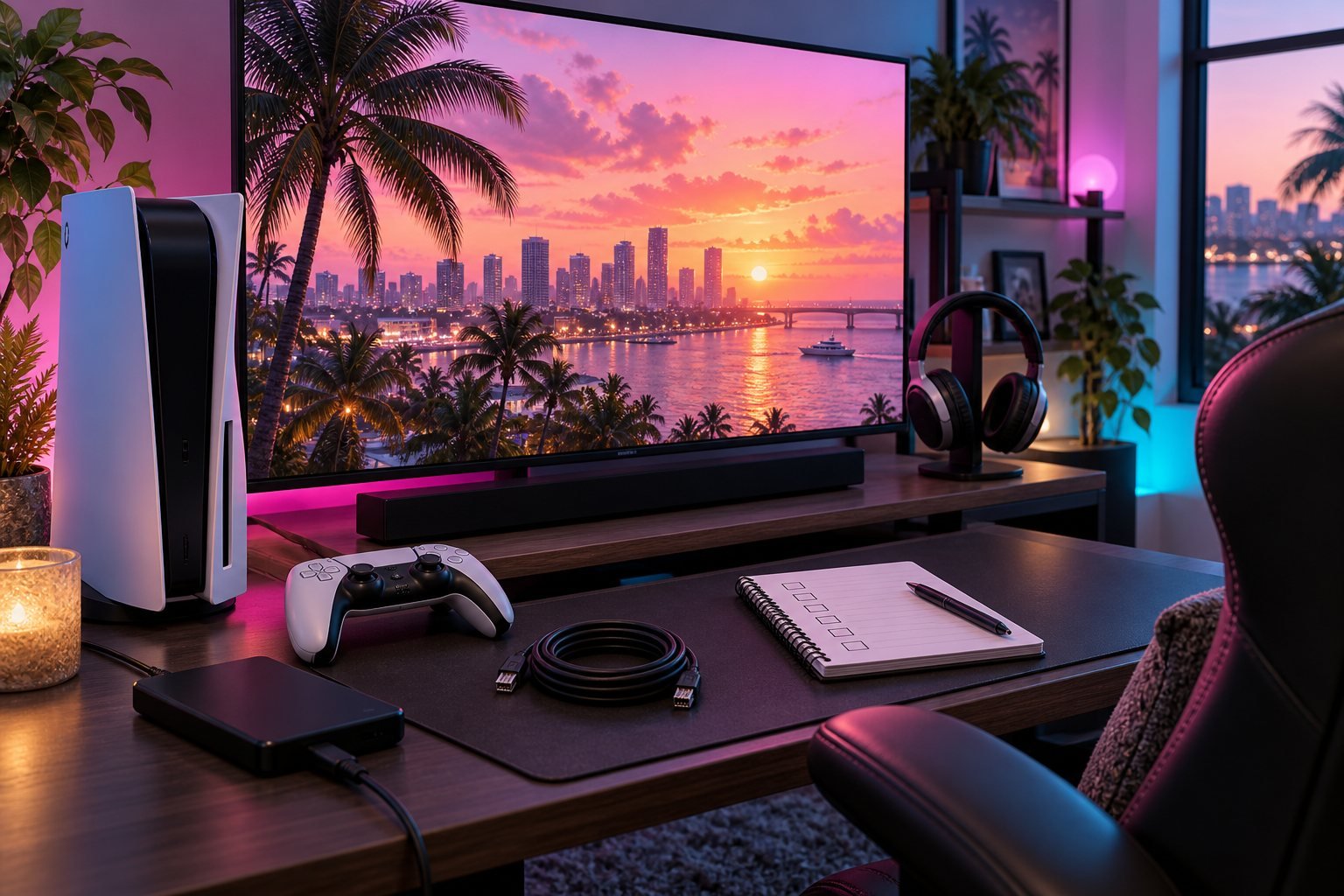
GTA 6 is coming November 19, 2026 — officially confirmed. That gives you a clear date to prepare. This checklist covers what’s actually worth doing before the launch, so day one runs smoothly instead of scrambled.
What’s Been Officially Confirmed
- Release date: November 19, 2026
- Platforms: PS5 and Xbox Series X|S
- PC version: not announced as of now
- Developer: Rockstar Games
Pre-Launch Checklist
Work through these before November 19:
- Storage space: GTA 6 will likely require 150 GB or more. Clear the space now — not on launch morning.
- Download plan: Pre-purchase and enable automatic download. Waiting for a 150 GB file on launch day is a waste of the first hours.
- Long-session comfort: GTA 6 will pull you in for hours. Make sure your gaming room is ready for it — see the gaming room setup guide for a full breakdown.
- Room atmosphere: Launch day is an occasion. If your wall or lighting doesn’t match the energy of the day, fix it before November 19 — the wall art ideas guide is a good starting point.
Common Launch-Day Mistakes
- Forgetting to pre-download and losing the first hours to a large file
- Not updating the console firmware in advance — updates always drop on launch day
- Sitting down without any snacks, drinks, or comfort setup for what’s clearly going to be a long session
Frequently Asked Questions
When is GTA 6 releasing?
GTA 6 launches officially on November 19, 2026 on PS5 and Xbox Series X|S.
Will GTA 6 be available on PC at launch?
No — a PC version has not been announced. The day-one release is PS5 and Xbox Series X|S only.
How much storage space does GTA 6 need?
Estimates put it at 150 GB or more. Clear the space before launch day to avoid scrambling.
How do I prepare my gaming room for GTA 6 launch day?
Check the gaming room setup guide for a full breakdown — at minimum, make sure your chair is comfortable, the lighting is right, and the wall gives you something to look at during load screens.
